Introduction
Flyers are one of the most effective ways to share information. Whether you are promoting an event, introducing a new product, or highlighting a special offer, professional flyer printing can help you capture your audience’s attention and encourage them to act. From selecting the right materials to preparing your artwork files, we’ll give you the tools, guidance, and support you need to print flyers that stand out.
What are Flyers?
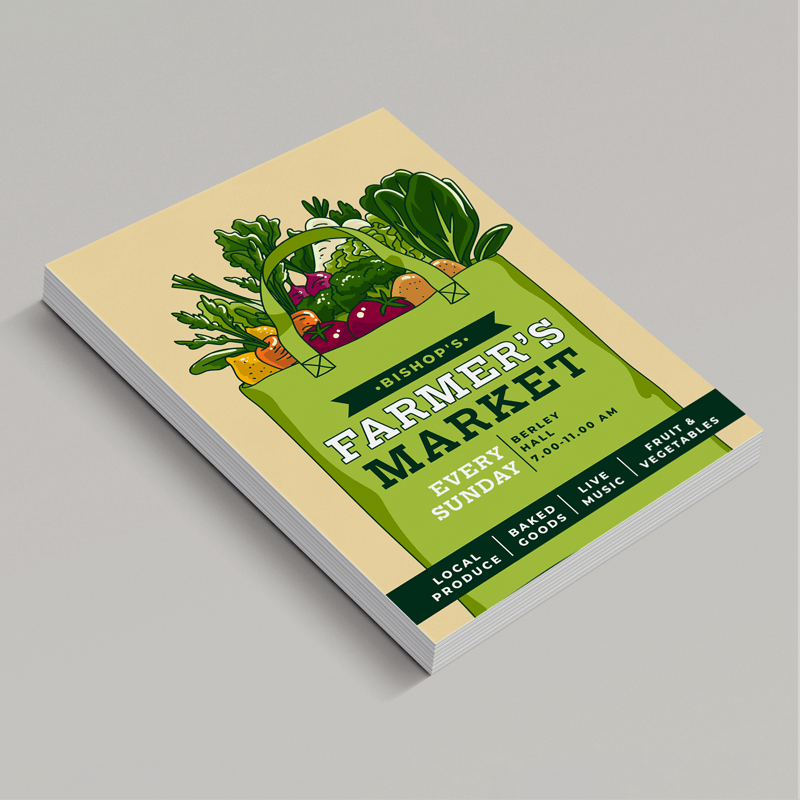
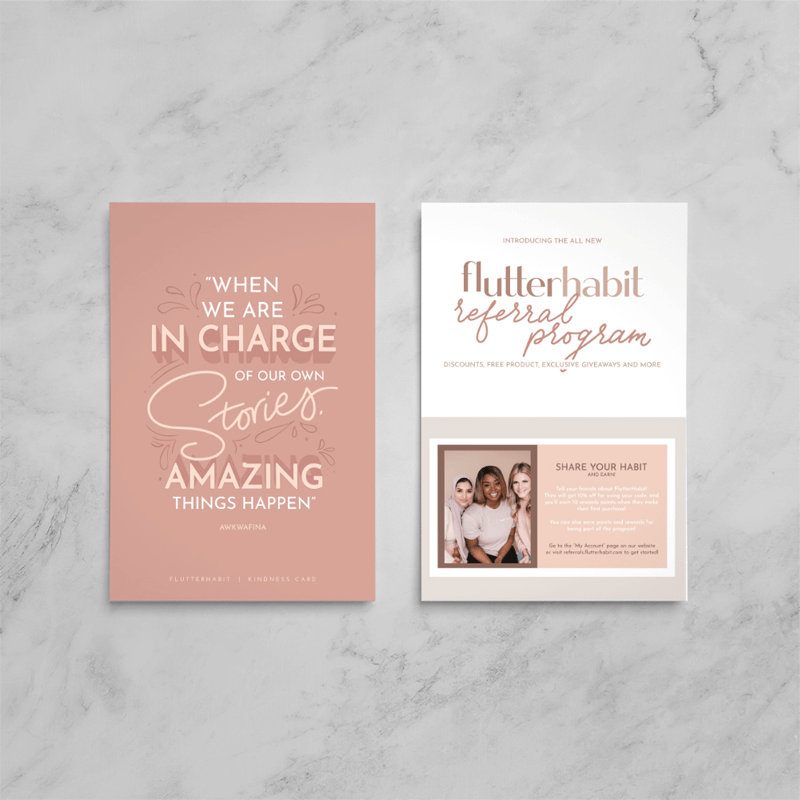
Flyers are printed sheets designed to share a clear, concise message with a specific audience. They are an affordable and flexible marketing tool that works in many situations, from promoting concerts, workshops, and product launches to announcing sales, seasonal campaigns, or limited-time offers. For small businesses and independent creators, flyers provide a cost-effective way to build brand awareness and stay visible in local markets. Unlike digital content, flyers offer a tangible, physical presence, creating a direct connection with an audience while reinforcing a brand’s message.
How to Create Custom Flyers That Stand Out
- Creating a flyer begins with understanding your core message and identifying the audience you want to reach. Using the 5Ws (who, what, where, when, and why) helps make your message clear and actionable. Clear messaging also ensures that your branding, including logos, colour palettes, and fonts, are consistent across all materials.
- Visual hierarchy is key to creating an effective flyer. Your headline should grab attention immediately, while supporting text should deliver essential details concisely. High-resolution images and graphics will help reinforce your message, and leaving enough white space around important elements improves readability. Plus, a clear call to action (CTA) guides your audience toward the next step, whether that’s visiting your website, attending an event, or making a purchase.
- Common design mistakes can undermine your flyer’s effectiveness. Avoid overcrowding your layout with text or imagery, as it can overwhelm readers. Inconsistent fonts and colour choices can also be distracting and affect legibility. Finally, avoid placing crucial information too close to the edge of your design, as slight variations during the cutting process could remove key details.
Flyer Printing Specifications: Sizes, Paper Types & Finishes
Selecting the right specifications is essential for producing professional flyers. Popular flyer sizes like A5 (148mm x 210mm) provide ample space for text and graphics while remaining easy to distribute, whereas A6 (105mm x 148mm) offers a compact option ideal for handouts or mailing campaigns.
Paper choice significantly affects the look and feel of your flyer. Paper weight, measured in pounds (gsm), determines durability and flexibility. Heavier papers are sturdier and give a high-end feel, while lighter weights offer greater flexibility and cost savings.
Silk paper provides a smooth texture with a slight sheen, enhancing text and image clarity, while gloss makes colours more vivid and eye-catching. However, uncoated paper has a soft, natural appearance, muting printed colours slightly for a more understated look.
Lamination further protects flyers and enhances their presentation. Matte lamination delivers a smooth, glare-free finish, softening printed colours for an understated look. On the other hand, gloss lamination intensifies shine and colour contrast, making graphics really pop. Soft-touch lamination provides a velvety texture ideal for items that will be frequently handled.
If you are uncertain about which materials or finishes are best for your project, Mixam’s Smart AI Print Assistant can recommend paper weight, finish, and size based on your flyer’s purpose and design, ensuring a durable yet visually appealing result.
Printing Options & File Setup
Digital vs. Offset Printing
We print flyers using both offset and digital printing methods, depending on your order size and specifications. Our Instant Quote Calculator automatically selects the best printing method based on your specifications. Small runs are produced on sophisticated digital presses, resulting in fast turnarounds, while larger orders may be printed using offset presses to deliver the best combination of quality and value. For a deeper comparison, see Mixam’s offset printing vs. digital printing guide.
File Setup Tips
Preparing artwork correctly ensures your flyer prints accurately and saves production time.
- Keep Your Layout Consistent: Use uniform fonts and colour schemes to create a sleek design. Prioritise a strong contrast between your text and background to maximise readability and visual impact.
- Leave Adequate Margins: Ensure you include full-bleed printing on all edges to prevent text or images from being cut during trimming. You can access free downloadable templates via our Instant Quote Calculator to use as a guide in an external design program. Alternatively, you can create print-ready files directly through Mixam’s free Design Online tool.
- Always Include High-Quality Images: High-resolution images are a surefire way to ensure sharp prints. Low-quality visuals can reduce perceived value and professionalism. However, Mixam’s AI Image Enhancer can detect low-resolution files upon upload and increase the pixel density for detailed printing.
- Upload Accepted File Types: Mixam supports multiple formats, but PDFs are recommended for consistent viewing across devices. You can upload one multi-page file or separate files to your Artwork tab. The option to view a downloadable proof will appear once you’ve filled all thumbnails with artwork.
- Proof Before Printing: Mixam’s automated file checks help catch common errors, but reviewing a downloadable proof ensures your layout, text, and images appear as intended.
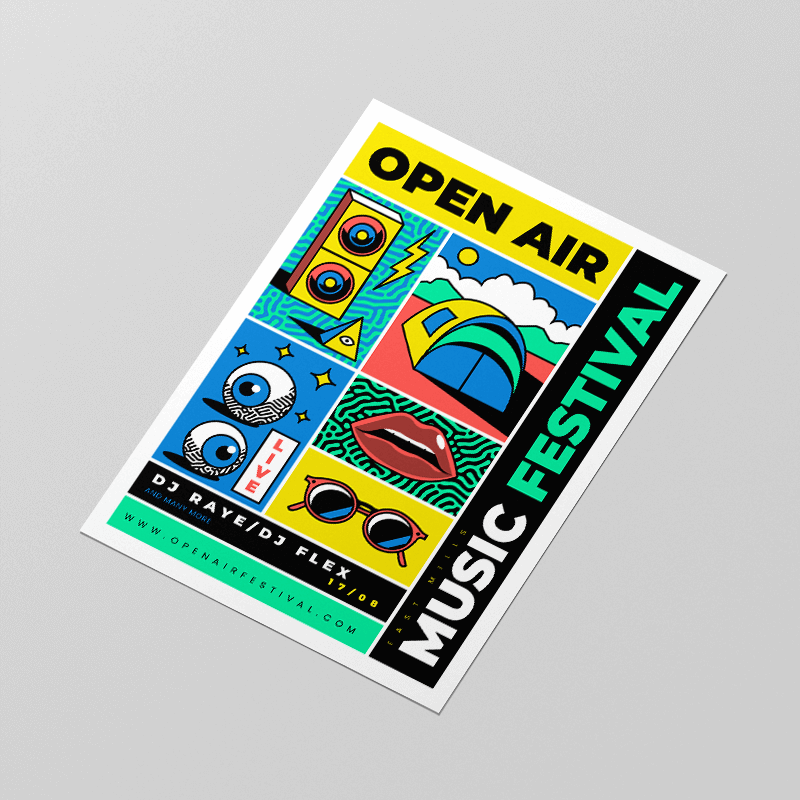
Flyer Distribution
Efficient delivery helps your flyers reach the right people at the right time. Mixam makes this simple with split delivery, giving you flexible options for sending flyers to multiple destinations, perfect for both small and large orders.
- Manually add addresses to your address book: Add up to 50 addresses in your account’s Addresses tab by clicking ‘+ New Address’, or directly in your order’s Details tab after entering billing and delivery information. You can assign quantities to each address, and Mixam will automatically calculate the delivery fees. Please note that additional fees apply for more than five addresses.
- Upload a CSV file with recipients: Create and label your mailing list, then upload your CSV file. Once uploaded, verify that the correct columns are selected for each field - including name, address, and contact details. After confirmation, your list is securely stored for future orders.
- Include addresses directly in your order: In your Shopping Cart, click ‘Want Multiple Delivery Addresses?’ under your print specifications. Select your saved mailing list and choose which addresses to send to. You can adjust quantities and confirm delivery rates before checkout.
For more details, visit our Shipping and Delivery support page.
Printing Custom Flyers with Mixam
Printing flyers with Mixam ensures exceptional results, convenience, and expert support. Our platform provides a wide range of print options, allowing you to select materials that match your creative and business goals. Free online templates and AI tools streamline the creative process, while sustainable printing options support environmentally conscious practices. Mixam ensures that your projects look polished and make a lasting impression, whether for local distribution, corporate campaigns, or personal projects.
Conclusion
Flyers remain a powerful, cost-effective way to reach your audience and make an impact. With Mixam, creating, printing, and distributing high-quality flyers is simple, fast, and stress-free. From choosing the right size and paper to preparing your artwork, Mixam’s flexible design tools and printing options give you full control, helping your flyers convey your message clearly and reach the right people. Every step is built to make the process easier for you, ensuring your flyers make a strong impression and support your goals.
Begin your flyer printing journey today by visiting Mixam’s flyer printing page, and discover how easy it is to create professional, eye-catching marketing materials.