Introduction
A magazine cover can make the difference between catching a reader’s eye or being overlooked. A well-designed cover sets the tone for the stories inside and communicates your brand. In this guide, you’ll learn how to create a magazine cover, explore print options, and see how to print custom magazines with Mixam. Whether you’re a designer, editor, marketing team, or independent publisher, this guide gives you the tips and tools you need to create a publication that stands out.
Why Magazine Covers Matter
Magazine covers matter because they are often a reader’s first interaction with your publication. A striking cover grabs attention, whether on a physical rack or in a digital preview on social media. Carefully chosen imagery, typography, and colour can spark curiosity and make readers want to explore your publication.
A great cover also shows your magazine’s identity at a glance. Minimalist designs suggest sophistication, bold layouts signal creativity, and vibrant photography conveys energy. Keeping a consistent cover style across issues builds recognition, reinforces your brand, and helps your magazine feel cohesive.
Key Elements of Professional Magazine Covers
A well-designed magazine cover balances visual appeal with clear communication. Here are the key elements to focus on:
Masthead and Typography Hierarchy
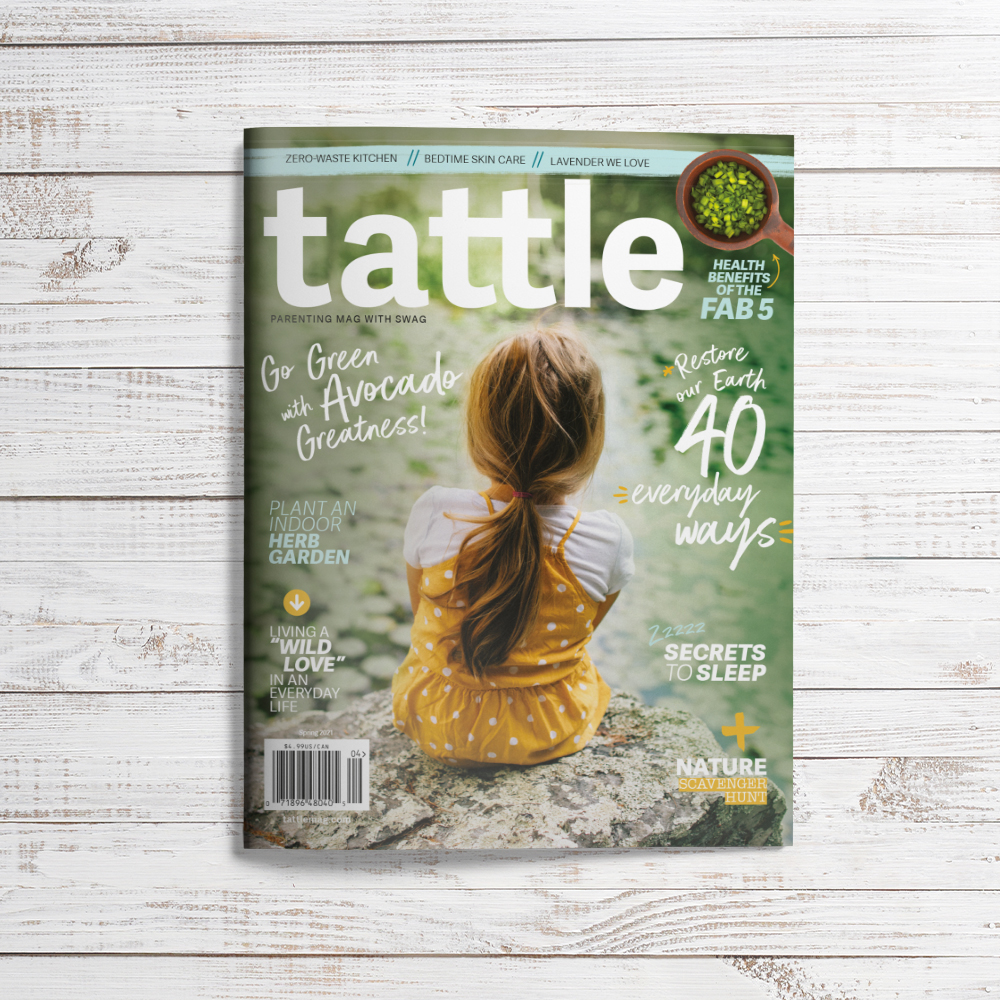
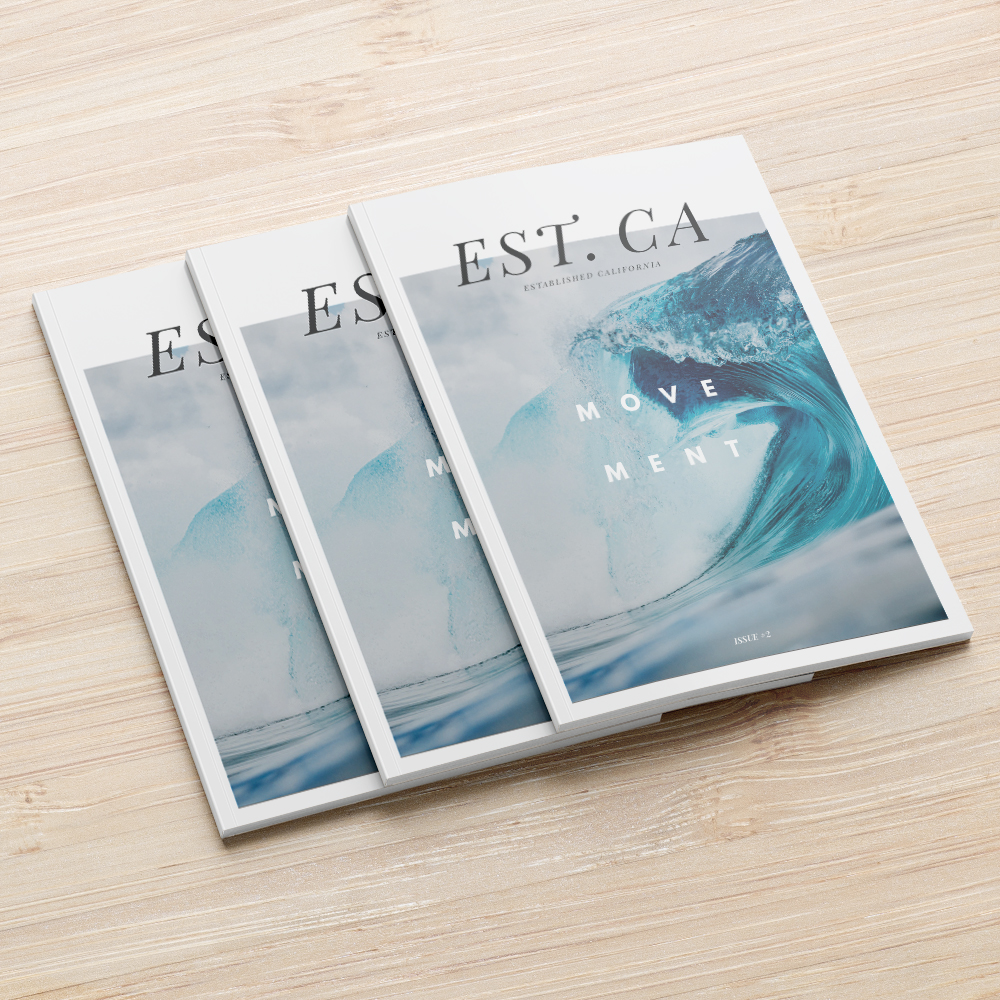
The masthead (the magazine’s title) should be prominent and easy to read. Use a clear hierarchy to guide the reader’s eye: masthead first, then primary cover lines, and finally secondary lines. Strong, legible fonts work well for headlines, while subtle fonts support secondary text.
Primary cover lines highlight the magazine’s main stories, while secondary lines support additional content. Keep your language concise, engaging, and easy to scan. For example, a primary cover line could read ‘This Year’s Top 10 Interior Design Trends’, and a secondary line could add context: ‘How Young Designers Are Shaping the Future’. For more guidance, check out Mixam’s typography guide for print.
Colour Palette and Brand Identity
Choose colours that reflect your magazine’s tone. Editorial magazines often use muted shades, while lifestyle magazines use bold, vibrant colours. Strong contrast draws attention to key cover lines and important focal points. For accurate colour reproduction in print, visit Mixam’s CMYK colour chart.
Use of Negative Space
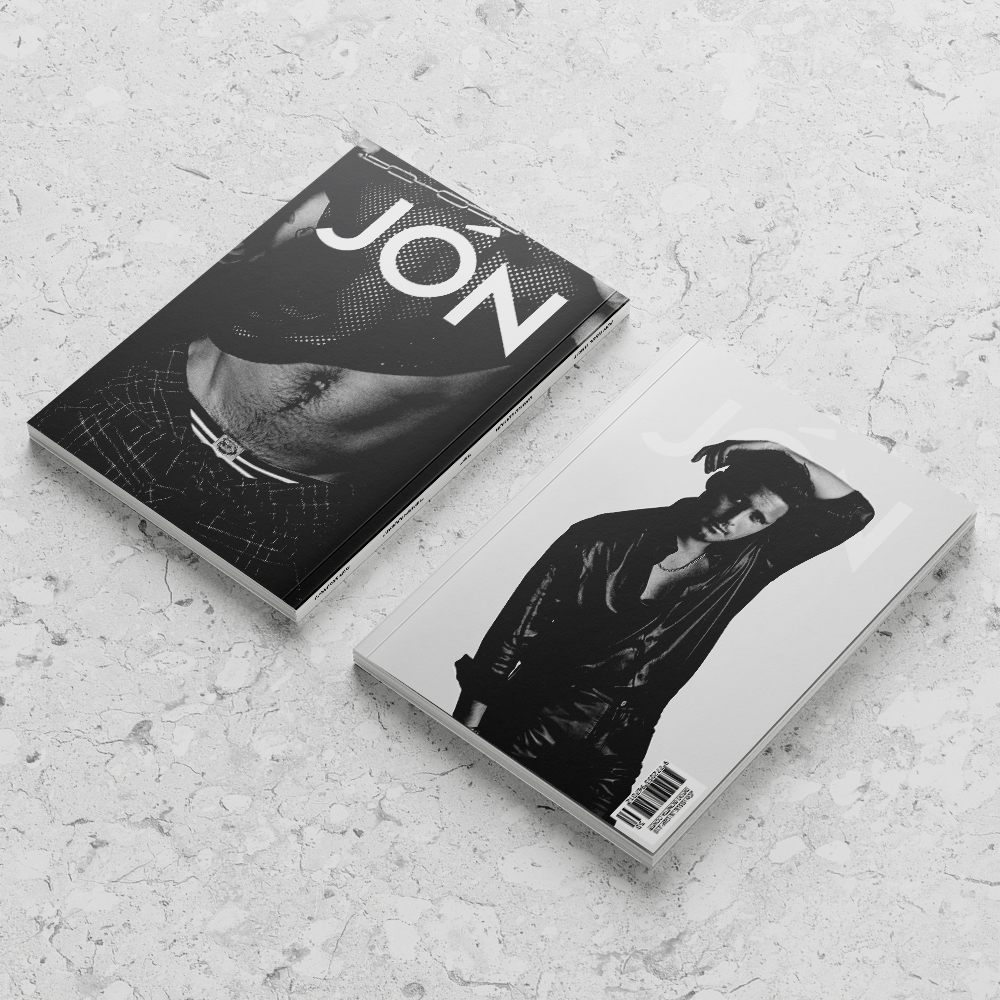
Negative space, or white space, keeps the cover uncluttered and readable. It helps your masthead and cover lines stand out and guides the reader’s eye naturally across the design. Thoughtful use of negative space creates balance and makes your cover look and feel polished.
Aligning Cover Design with Interior Layout
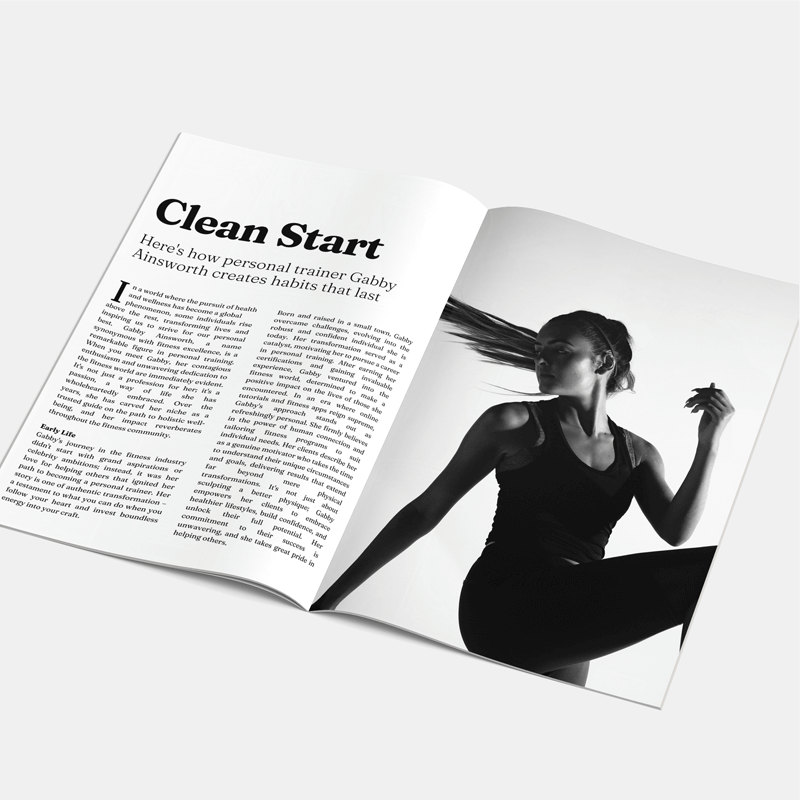
Your magazine cover should mirror the style of your inner pages. For example, if your magazine features long-form journalism, clean layouts and elegant typography work best. For photography magazines, however, bold colours and full-page images are bound to make a strong impression. Keeping the cover consistent with the interior makes your magazine feel cohesive and thoughtfully designed.
Tools to Design Custom Magazine Covers
Choosing the right tools makes designing your magazine cover easier and ensures top-quality results. Here are some ways to get started:
Free Downloadable Templates
Mixam offers free, print-ready templates to simplify layout planning and ensure your cover prints accurately. These templates include margins for full bleed printing. Simply select your specifications using the Instant Quote Calculator and download the template. You can use it as a guide in your design program to ensure proper alignment, and then remove it before uploading your final files to the Artwork Manager.
Design Online Tool
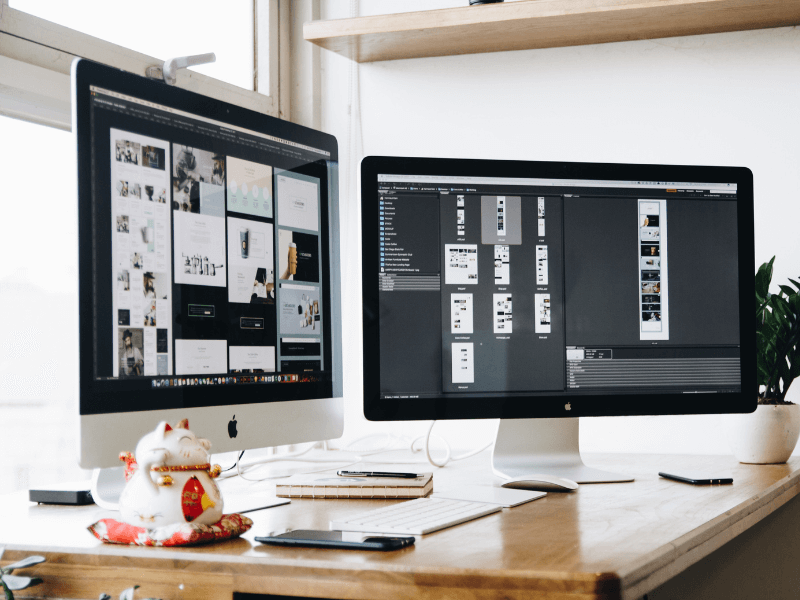
Mixam’s Design Online tool makes it easy to create a magazine cover using pre-made layouts, typefaces, and graphics. All printing guidelines are preset, so you can drag and drop images, add text, and experiment with layouts without additional software. It’s perfect for beginners or anyone who wants a fast, flexible way to design, and it provides an instant preview to check everything appears as intended.
Design Your Own Files
If you prefer creating your own print files, you can use programs like:
- Canva: User-friendly, great for quick, visually appealing designs.
- InDesign: Professional layout control and advanced typography options.
- Affinity Publisher: Affordable alternative to InDesign with strong layout features.
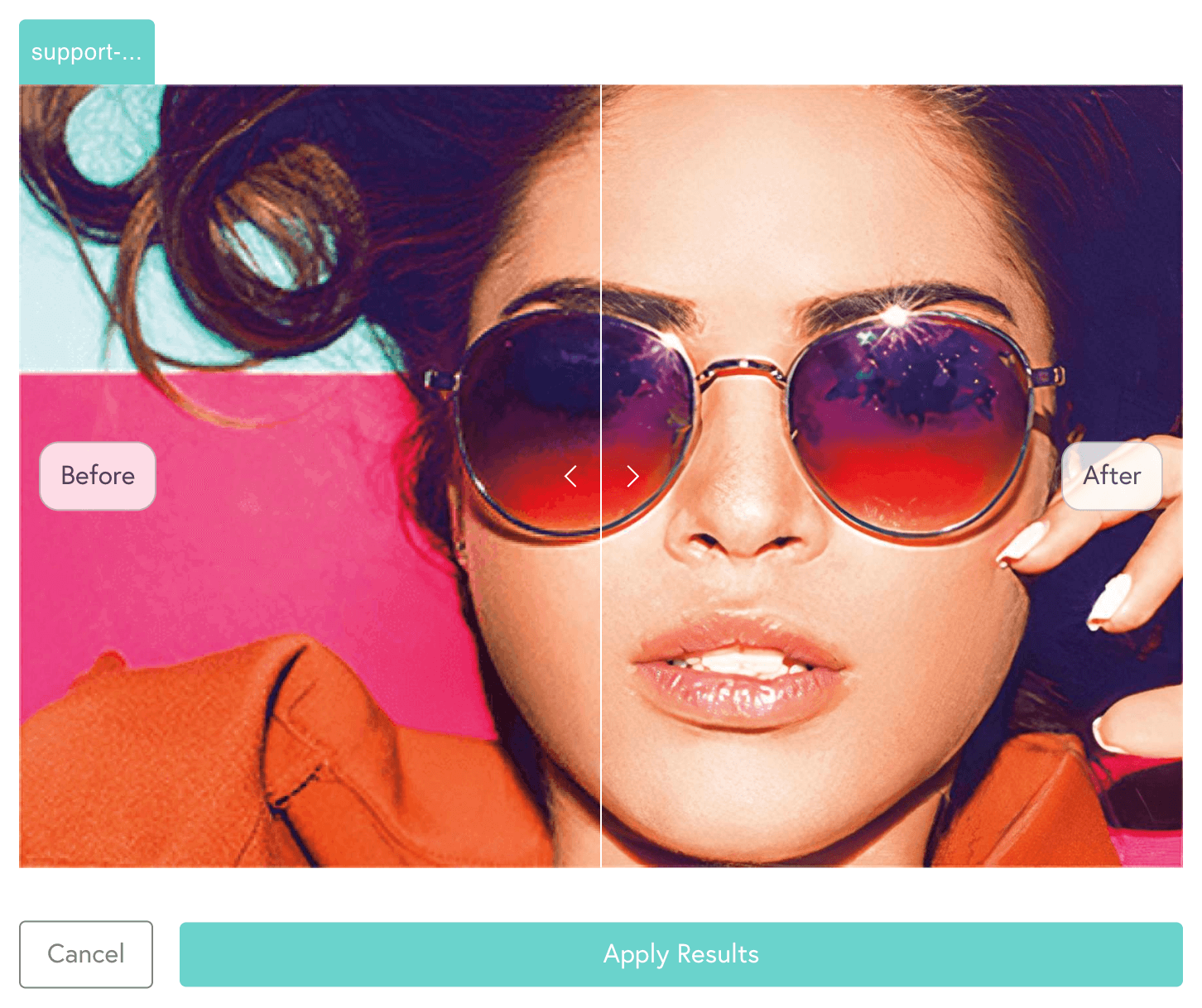
Save your files as PDFs before uploading to Mixam, as they preserve fonts, images, and layout. Always use 300 dpi resolution for best results, but if you have lower-resolution images, Mixam’s AI Image Enhancer can increase pixel density and sharpen your files, maintaining detail and quality.
Magazine Sizes & Layout Considerations
Choosing the right size and layout is key to creating a magazine. The right dimensions can influence how your magazine is perceived, how easy it is to read, and how it fits on shelves or digital previews.
Popular Magazine Dimensions
Sizes like A4 and A5 are popular because they ensure compatibility and meet readers’ expectations. A4 is Ideal for magazines with large photos, extended articles, or detailed layouts. This size gives your content room to breathe and makes imagery feel impactful. A5 is compact and easy to handle, perfect for shorter publications, pocket-sized guides, or magazines with fewer pages. Its smaller size encourages casual reading and portability.
However, custom sizes give you complete creative freedom. You can experiment with wider spreads or formats to get noticed. Keep in mind that custom dimensions may affect print costs and display options, so always use our Instant Quote Calculator to see pricing and production details for your preferred size.
Portrait vs. Landscape Covers
Portrait orientation is the most common format for magazines. Portrait covers align with reader expectations and traditional display methods, making them easy to stack, shelf, or photograph. This orientation also works well for text-heavy publications and long-form layouts.
Landscape orientation, although less common, can make a bold statement. Landscape covers are ideal for photography, art, or graphic-heavy magazines. Landscape magazines may require special consideration for racks or mailing. However, they give you more horizontal space for images, creating a cinematic feel.
Magazine Printing Options with Mixam
Our printing options give you flexibility to balance cost, durability, and visual appeal. By choosing the right combination of paper, binding, and cover finish, you can create a magazine that delivers a high-quality reading experience for your audience.
Popular Paper Choices
- Silk: A paper that is smooth and coated with a slight sheen, making text and graphics crisp and well-defined. It’s ideal for magazines with vibrant photography, illustrations, or detailed layouts.
- Gloss: A paper that has a shiny, reflective surface that enhances colour vibrancy and gives images an eye-catching appearance. Perfect for covers or magazines with full-page spreads and image-heavy content.
- Uncoated: Uncoated paper has a soft, matt finish with no coating. It’s highly absorbent, which makes it excellent for text-heavy magazines or publications where readers might annotate pages. Colours appear slightly muted, giving a subtle, elegant look.
Popular Binding Types
- Saddle-Stitch: Also called staple binding, this method fastens pages through the centrefold with staples. It’s perfect for magazines with fewer pages and works well for continuous graphics or layouts that spread across two pages.
- Perfect Bound: This binding method uses strong adhesive to hold pages together and create a clean, rectangular spine. Perfect binding is ideal for thicker magazines, providing durability while maintaining a sleek appearance.
Popular Cover Finishes
- Matt: This lamination adds a smooth, glare-free surface that feels soft to the touch. It gives your cover a natural, understated look while enhancing readability.
- Gloss: This lamination creates a shiny, vibrant finish, making printed colours pop. It’s great for graphic-heavy publications where impact is key.
- Soft-Touch: This lamination adds a velvety, tactile coating that feels luxurious and sophisticated. It’s perfect for high-end magazines that aim to impress readers.
How to Create a Custom Magazine
Creating a custom magazine with Mixam is straightforward. Our platform guides you through each step, giving you control, flexibility, and confidence to make a magazine that surpasses expectations. Here’s how to get started:
- Choose Your Product: Start by visiting Mixam’s magazine printing page. Select your specifications, including size, page count, paper type, binding, and cover finish.
- Get an Instant Quote: Use the Instant Quote Calculator to see pricing and turnaround times based on your selections. Adjust your options until you find the right balance of quality, cost, and production speed.
- Go to the Order Manager: Once your quote is ready, add it to your cart and click Continue to move your project into Mixam’s Order Manager. This central hub lets you manage files, settings, and project details in one place.
- Upload Your Files: You can drag and drop files, upload from your desktop, cloud storage, or a web URL. Interior pages can be uploaded individually or as a folder, and your cover should include the front cover, spine, and back cover. Watch for on-screen warnings like low resolution or missing fonts. If you have low-resolution images, Mixam’s AI Image Enhancer can sharpen them for professional-quality printing.
- Review Your Proof: Mixam provides a free, interactive virtual proof. You can check page alignment, margins, page order, and other visual elements.
- Confirm Your Order: Once you’ve checked everything is correct and completed payment, confirm your order. Mixam’s print experts conduct a final quality check before sending your magazine to production.
- Track Your Order: You can monitor your magazine’s status in your account. Mixam also sends email updates to let you know when your magazine is on its way.
Start Designing Your Magazine Cover Today
A professional magazine cover combines strong visuals, clear typography, and high-quality printing. With Mixam, designers, editors, and publishers can create standout magazine covers, proof layouts online, and print custom magazines with ease.
Visit Mixam’s magazine printing page to start your project. You can also download Mixam’s free Book Printing Guide to learn more about book printing and the PrintLink Guide to launch your own print-on-demand publication.
Main Image Credit: Freepik