Knowing how to make a paperback book is valuable for anyone looking to start their next print project. Whether you're producing a single copy for personal use or preparing for large-scale distribution, understanding the process can help you create a product that looks great and will stand the test of time. This guide will give you the knowledge and confidence to create a high-quality paperback that you’ll be proud to share with the world. From the preparation stage to designing a beautiful cover to getting your book ready for readers, we’ll explore the steps to help make your paperback book successful.
What is a Paperback Book?
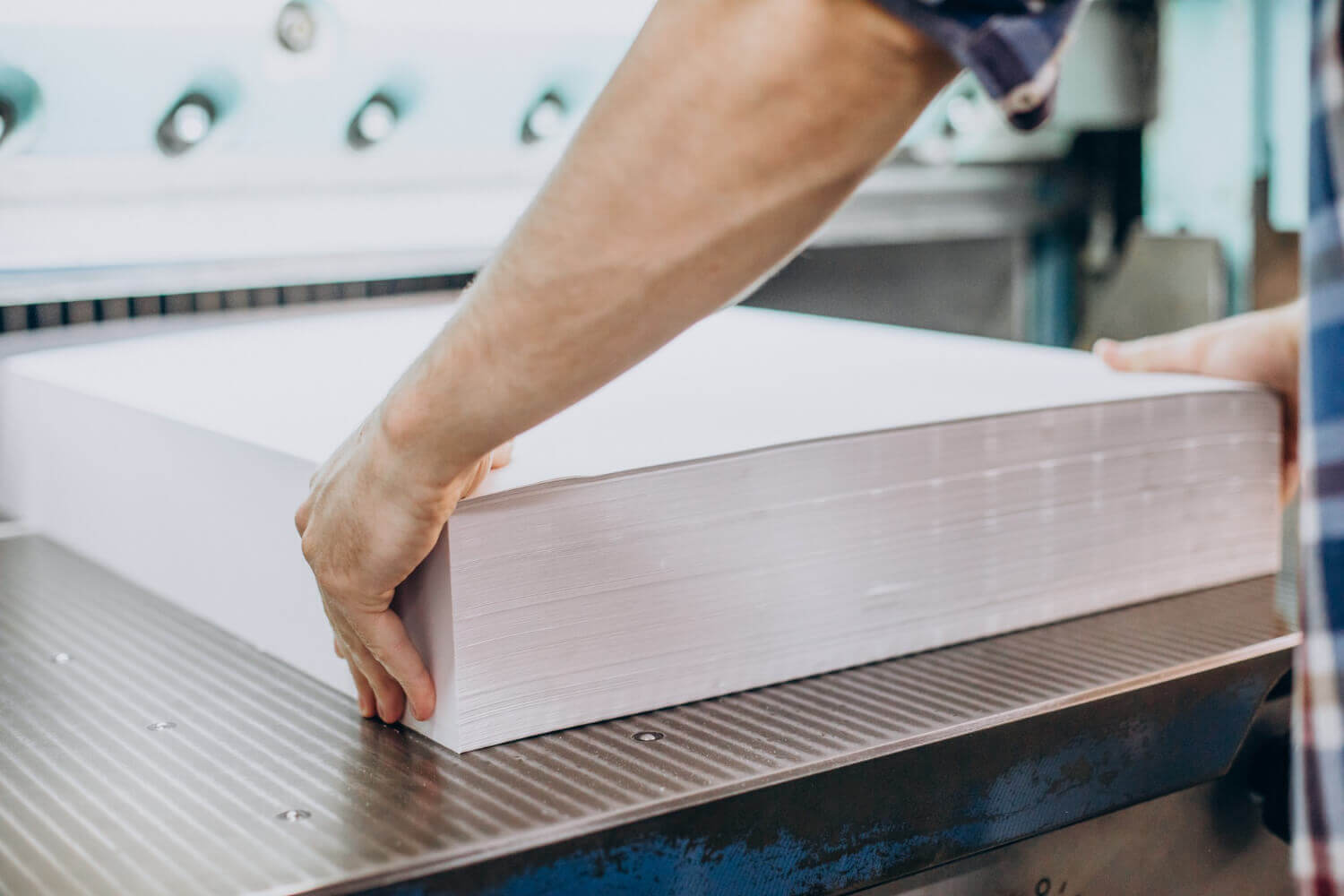
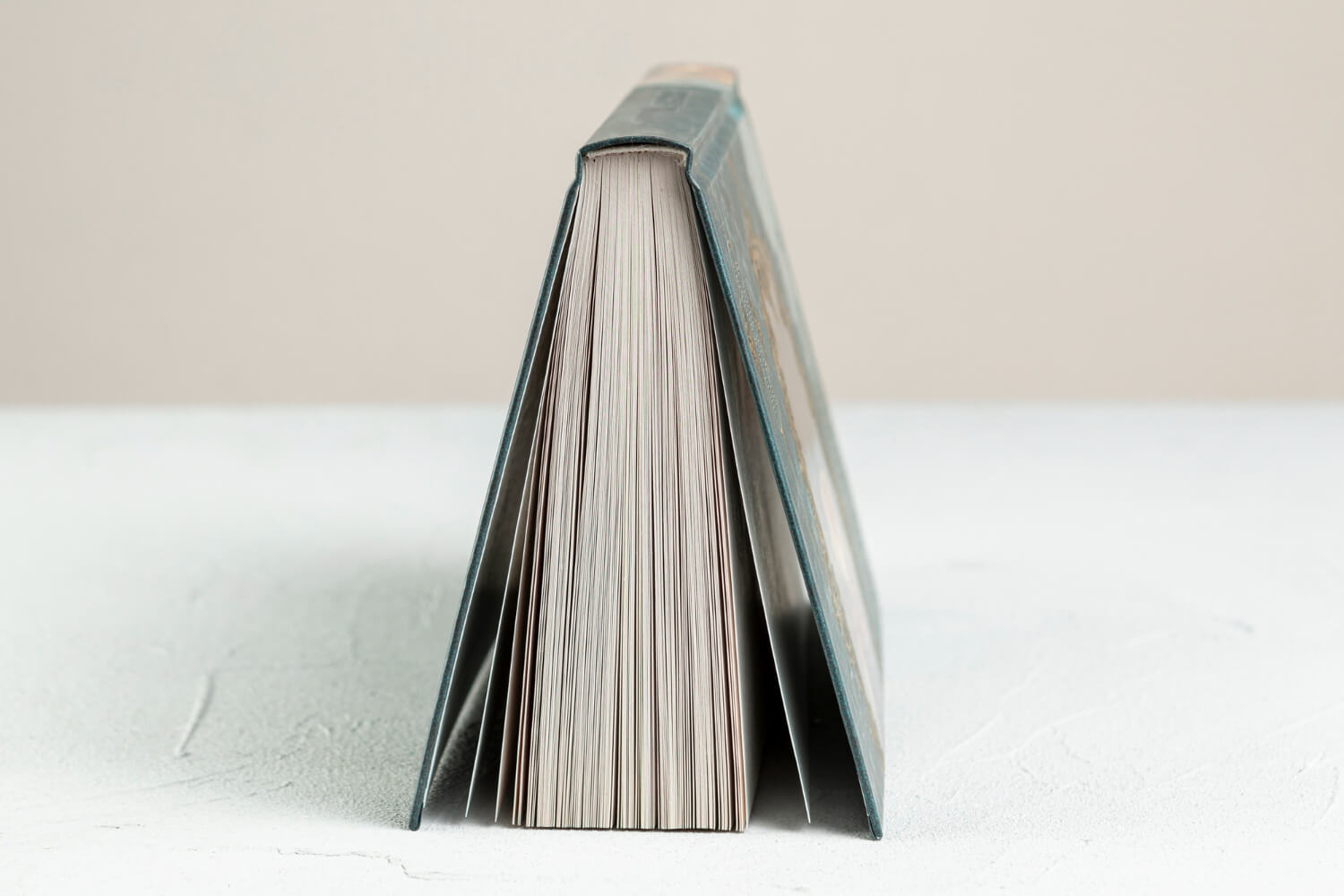
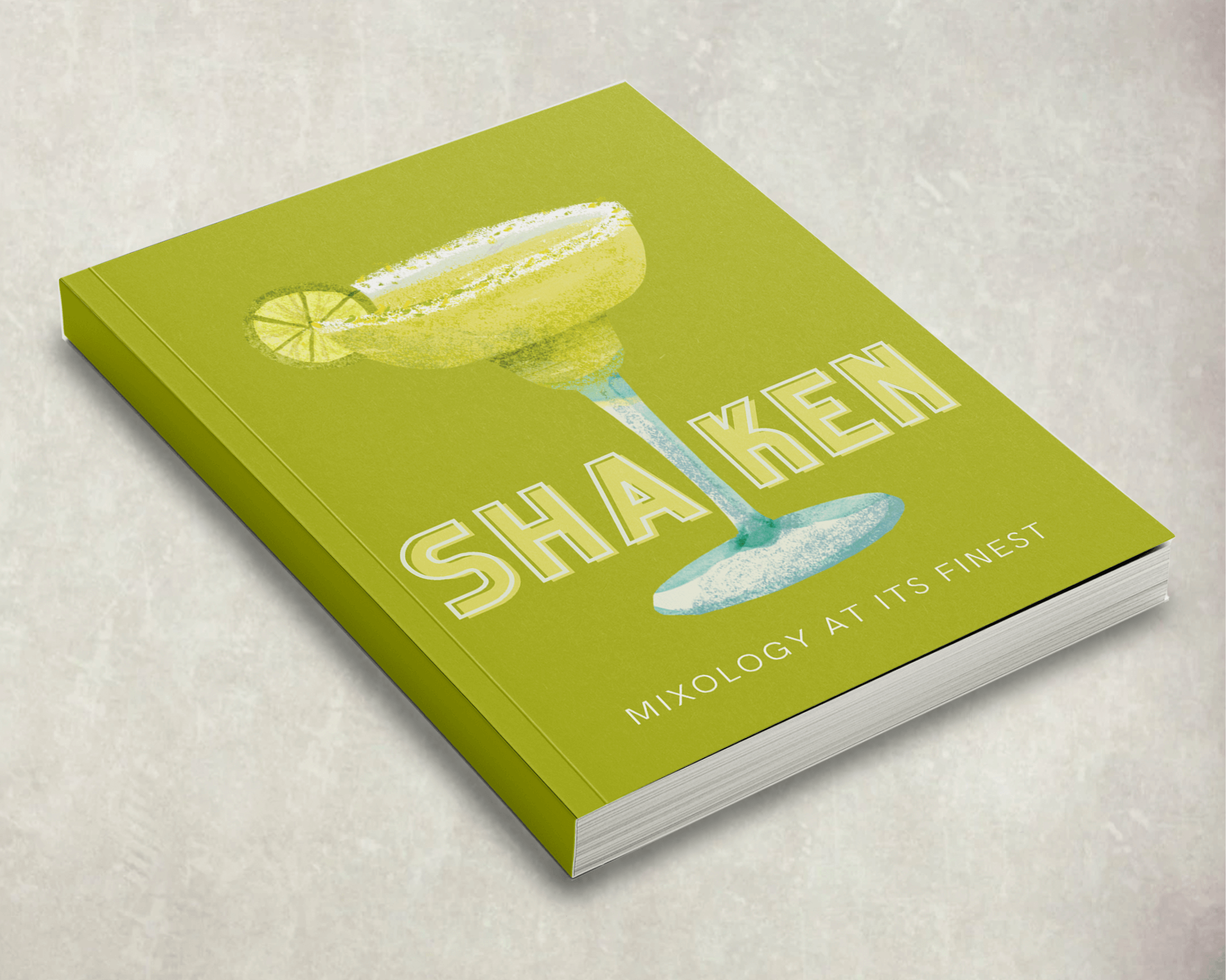
A paperback book, or a softcover book, has flexible covers made from durable paper or cardstock. Unlike hardcover books that use rigid materials for the cover, paperbacks are lightweight, making them easy to transport and more affordable to produce. The interior pages are usually bound together using perfect binding, where book manufacturers glue pages together to the spine for a professional and sleek finish.
Preparing Your Paperback
Editing and Proofreading
Firstly, your manuscript should undergo several rounds of editing and proofreading. This process ensures your content is error-free and engaging. Start by reviewing your work for clarity, grammar, and flow. Ultimately, editing ensures your narrative is coherent, your ideas are well-organised, and your message is clear.
- Self-editing: Use editing tools like Grammarly or Hemingway to catch basic grammar mistakes, but don’t rely solely on software. Reading your work out loud is a great way to spot awkward phrasing or unclear ideas.
- Hiring a professional editor: If your budget allows, an experienced editor can offer expert insight. They can also help with more complex edits like developmental or line editing.
- Beta readers: Engaging trusted individuals who represent your target audience can provide valuable feedback on what works and what doesn’t.
Formatting for Print
The next step is to format it for print. Printed books require specific formatting guidelines to ensure the text appears correctly on the page. You'll need to pay attention to several key elements:
- Margins: Ensure you have ample bleed margins to prevent text from being cut off during printing. You’ll also need to adjust the gutter margin for paperbacks, which accounts for the space where the pages are bound together along the spine.
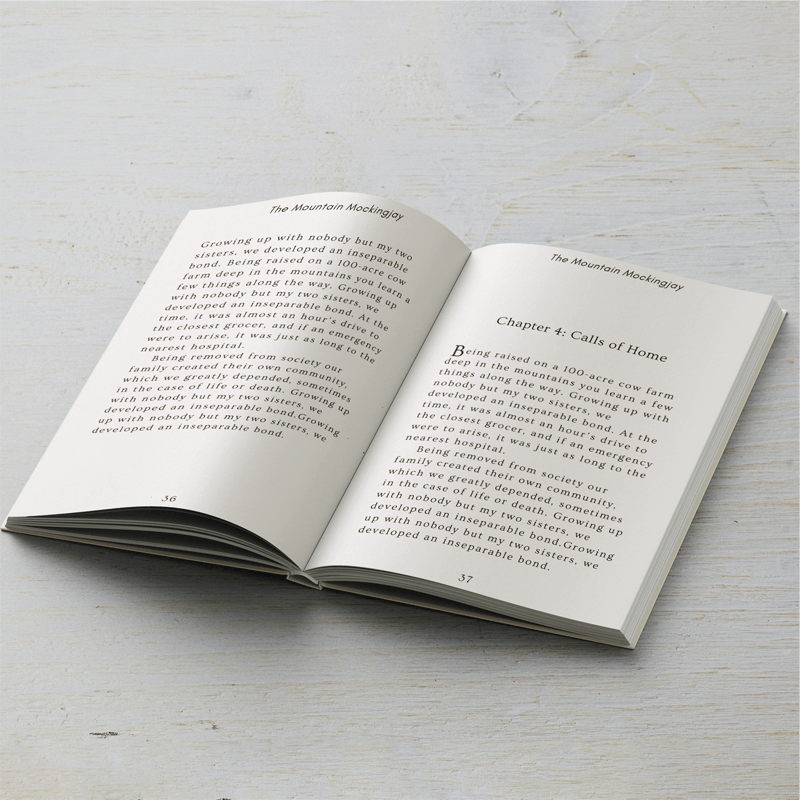
- Font and Font Size: Stick to easy-to-read fonts like Garamond, Times New Roman, or Georgia, with a font size of 10–12 points for the main body text. Be sure to maintain consistency throughout the book.
- Line Spacing: Aim for 1.5 or double-spacing between lines to make the text more readable.
- Page Numbers: Adding page numbers is essential for navigation, and they should be placed consistently at the bottom or top of the pages.
Many word processing programs, such as Microsoft Word and Google Docs, offer pre-made templates for paperback formatting, making it easier for beginners. For more advanced users, design software like Adobe InDesign provides greater flexibility and control over the layout.
Designing Your Paperback Book
Cover Design
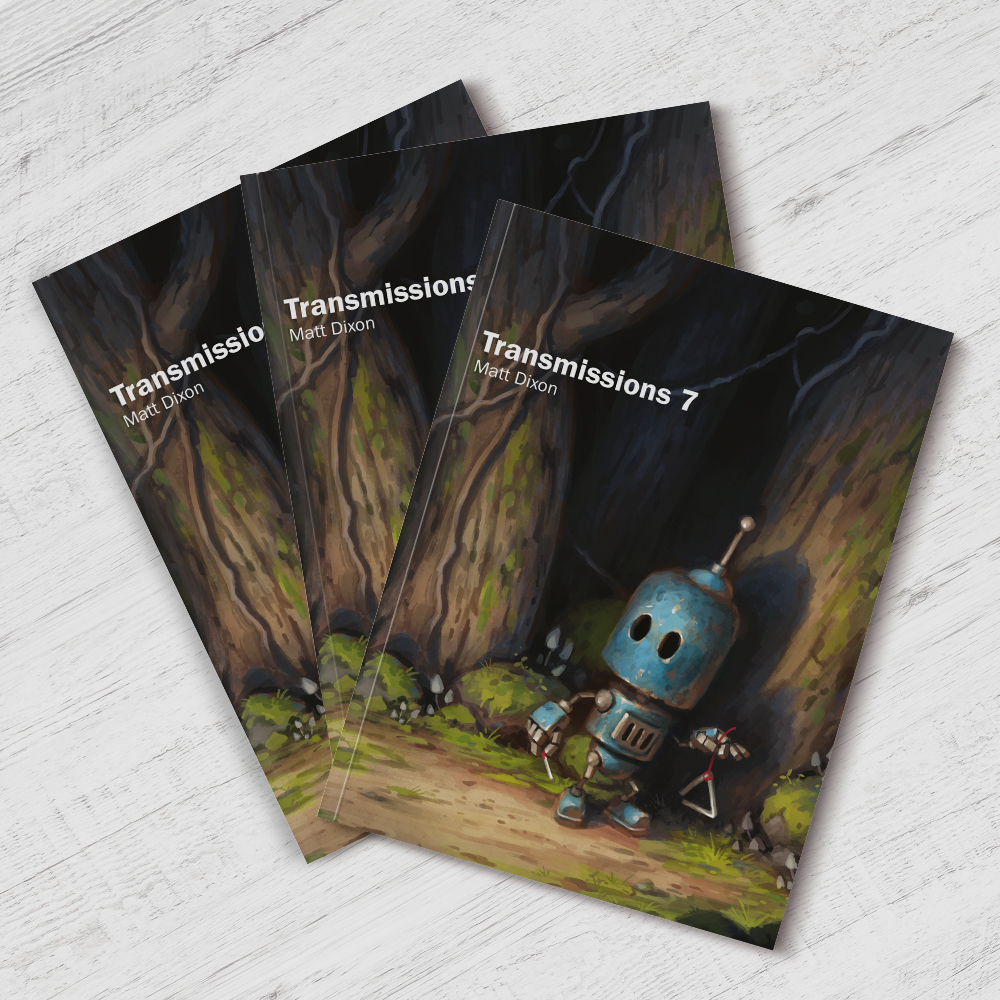
First impressions count, and your cover design is arguably your book's most important visual aspect. A well-designed cover attracts potential readers and sets the tone for the content. Whether you’re creating a sleek, minimalist design for a business book or a bold, colourful cover for a children’s story, your cover is the first thing readers will see.
Why a Good Cover Matters
In a crowded marketplace, your book cover is your primary marketing tool. Think about when you’re browsing in a bookstore or online — we’re often naturally drawn to covers that catch our eye. A professional, polished cover signals that your book is worth the reader’s time and helps define your book’s genre and tone. A romance novel, for example, will have a very different cover design than a thriller or a self-help book.
Tools and Tips for Cover Design
If you’re not a professional designer, there are plenty of tools to help you create a stunning cover. Programs like Canva are great for beginners, offering customisable templates specifically designed for book covers. For those with more advanced skills, programs like Adobe InDesign provide greater control over design elements. When creating your cover, include key details like the book title, your name as the author, and any other essential elements like logos or reviews. It should also include colours, fonts, and imagery that align with your book’s theme and genre and have a 300 dpi resolution to ensure every design element is crisp and sharp.
Interior Layout
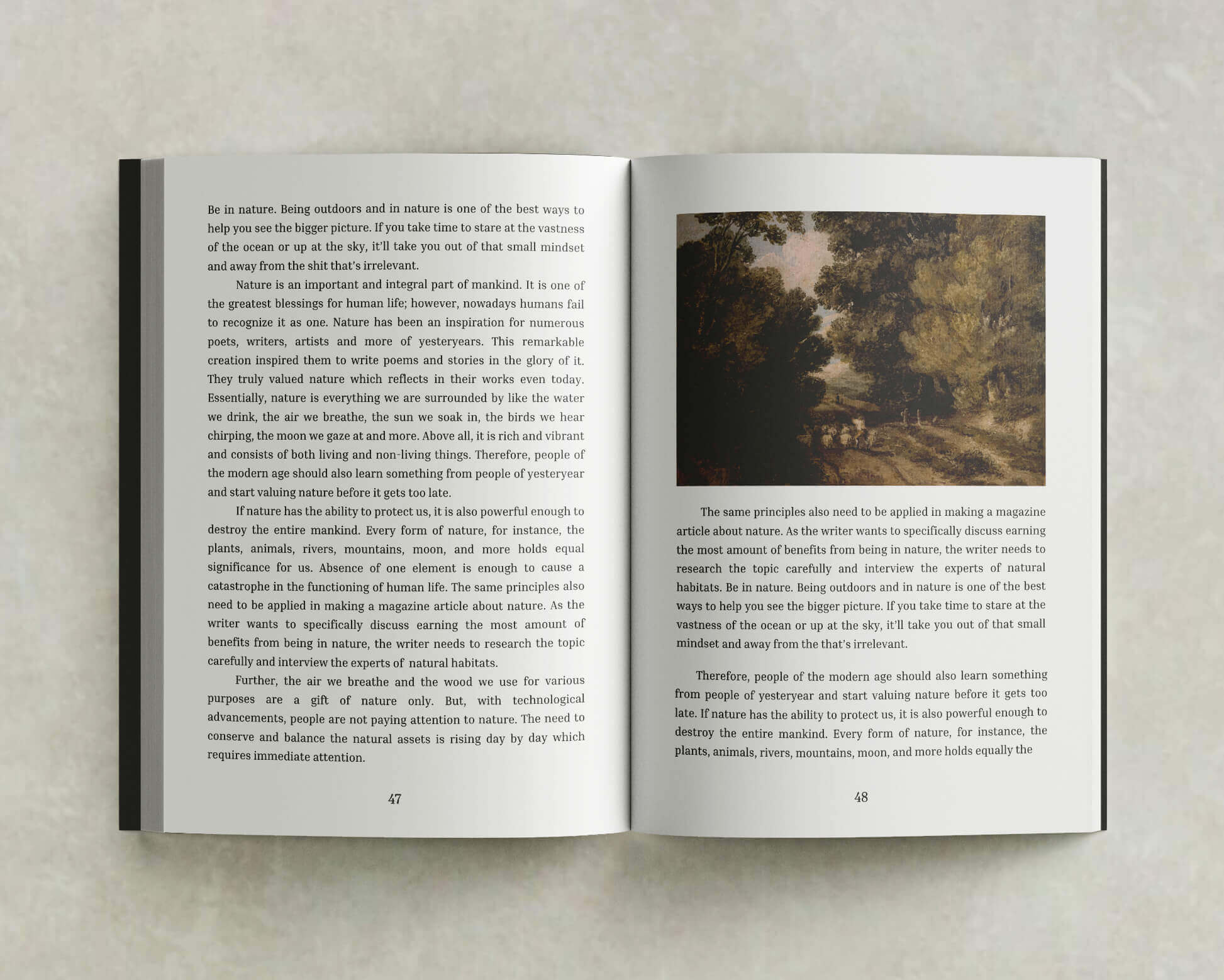
The interior layout involves more than just placing text on a page; it's about creating a reading experience that is comfortable and visually appealing.
- Page Setup: Your pages should be clean and uncluttered, with a consistent layout that allows readers to focus on the text. Use widows and orphans control to prevent single lines of text in a paragraph that print at the top or bottom of a text box or column.
- Chapter Formatting: Each chapter should start on a new page, and you may want to add stylistic elements like chapter headings or dividers to improve readability. A simple layout with few distractions is often best for fiction or memoirs, while non-fiction books might include subheadings, bullet points, or callouts to emphasise essential information.
Choosing the Right Printing Service
Why Choose Professional Printing Services?
Entrusting your print projects to the experts removes much of the uncertainty from the printing process. These services also offer a wide range of customisation options, from paper types to binding styles and finishes, for consistent, high-quality results. Moreover, professional printers use cutting-edge equipment, ensuring exceptional print quality that’s hard to match with DIY solutions.
Why Choose Mixam?
Mixam’s professional printing services make ordering print online fast, easy and affordable. Our intuitive online platform allows you to select your specifications, upload your designs and preview your work before sending it to production. From reliable binding options to tactile paper stocks, you can be sure to create books that match your vision. Plus, our expert customer service team is always available to guide you through the process, whether you’re printing one copy or thousands.
Print Specifications
Paper Quality
- Matt Paper: This option provides a subtle sheen, perfect for books with images or illustrations. It offers a good balance between readability and image clarity.
- Gloss Paper: Gloss paper is best suited for books with vibrant, high-resolution images, like photography books or children’s books.
- Uncoated Paper: Ideal for text-heavy books like novels and memoirs, uncoated paper offers a smooth finish that’s easy on the eyes and great for long reading sessions.
Binding Options
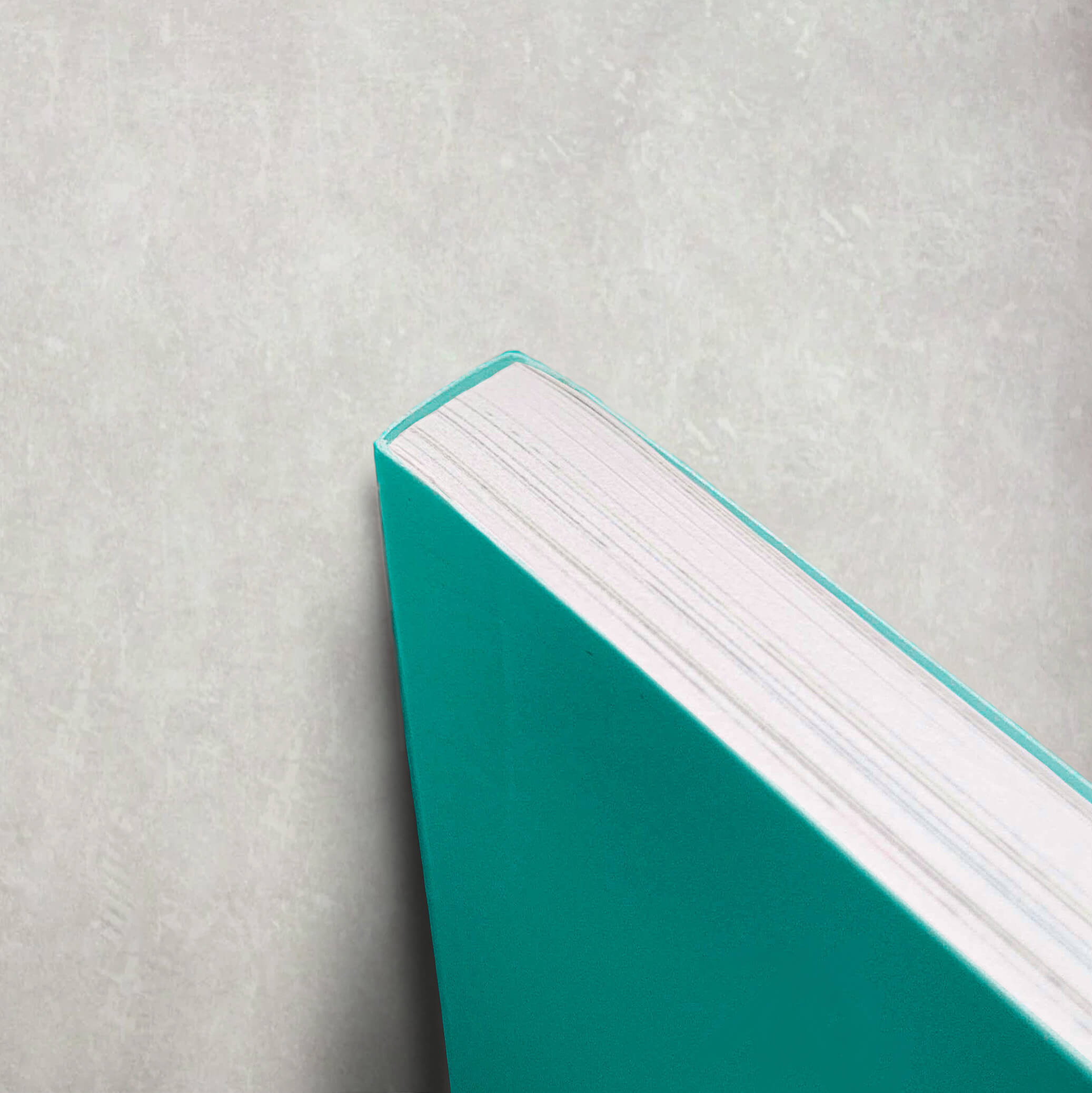
For paperback books, perfect binding is the industry standard. It involves glueing the pages to create a clean, rectangular spine. Perfect binding is also durable and cost-effective, making it an excellent choice for most paperback books.
Self-Publishing Your Paperback
ISBN and Copyright
An ISBN (International Standard Book Number) is important if you plan to sell your book via e-commerce platforms. It’s a unique identifier that allows your book to be tracked in sales databases worldwide. Additionally, securing copyright for your book is a measure that protects your intellectual property from unauthorised use. Most countries automatically grant copyright upon creation, but registering your copyright with a government body provides extra legal protection.
Print on Demand
With print-on-demand (POD) services like Mixam’s PrintLink, you can create, publish, and sell your book online from a single shareable link. Books are only printed when your customers order them, meaning no upfront costs, no inventory management, and no bulk printing. Once you enable your book for publishing, you’ll be able to reach a more diverse audience and alter the pricing to maximise your earnings.
DIY vs. Professional: What’s Best for You?
Cost Comparison
While DIY printing may initially seem cheaper, paper, ink, and binding materials can quickly add up. Additionally, mistakes in the printing process can lead to wasted materials and money. Professional printing services like Mixam offer more cost-effective solutions, especially for larger print runs, and ensure a higher-quality product with less effort on your part.
Time Investment
DIY printing can be time-consuming. From formatting the manuscript to printing and binding each book, the DIY route requires a significant time commitment. Professional services streamline the process, handling the production details so you can focus on other aspects of your project, like marketing.
Quality Considerations
The quality of your finished product is likely to be much higher with a professional printer. From the text's clarity to the binding's durability, professional printing services deliver results that are difficult to achieve with DIY methods. Professional quality is crucial when making a strong impression if you aim to sell your paperback or distribute it widely.
Case Study: Success Story with Paperbacks
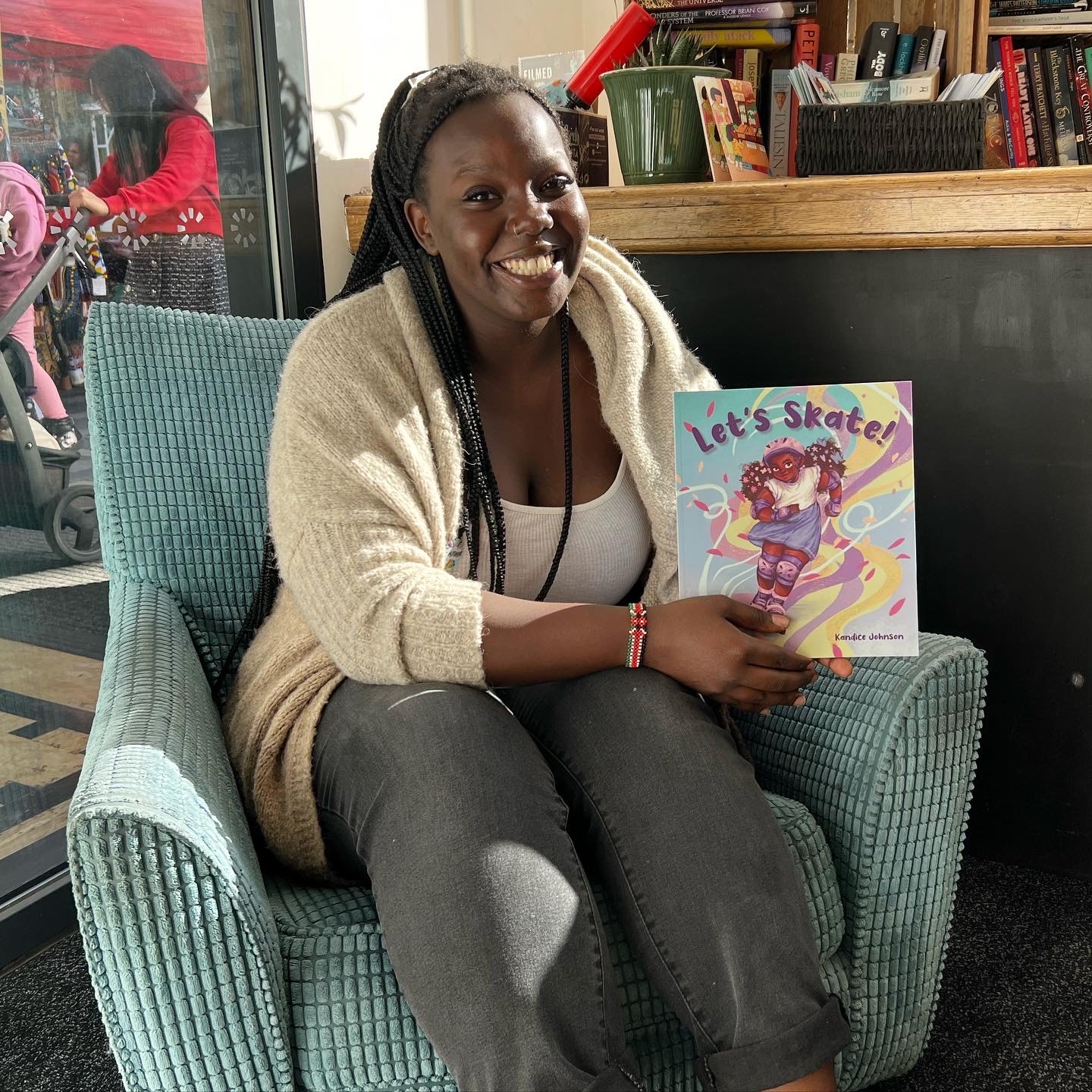
Ebony, an author passionate about storytelling, used Mixam’s paperback book printing service to make her children’s book idea a reality. Her book captures the vibrant world of skating, and the quality of the printed images and professional binding helped to bring together her creative vision. With her book now in hand, she could confidently share her story with young readers in a durable and lightweight format.
Conclusion
Creating your own paperback book is a gratifying experience, and we hope you're ready to take the first step. Whether you're making a single copy to share with loved ones or preparing for a wide release, you can create paperbacks that blend functionality with visual appeal.
Begin your book project with Mixam today by getting a free quote on our Paperback Book page. You can also check out the array of posts on Mixam's Blog and visit our Support section for helpful guidance and advice on all things print.