How To Create a Multi-Part Order
A multi-part order allows you to add more than one quantity of prints to a single order. All items will be sent to production simultaneously with the same shipping date where possible. Our Instant Quote Calculator provides one quote per artwork; you cannot print different items for one price.
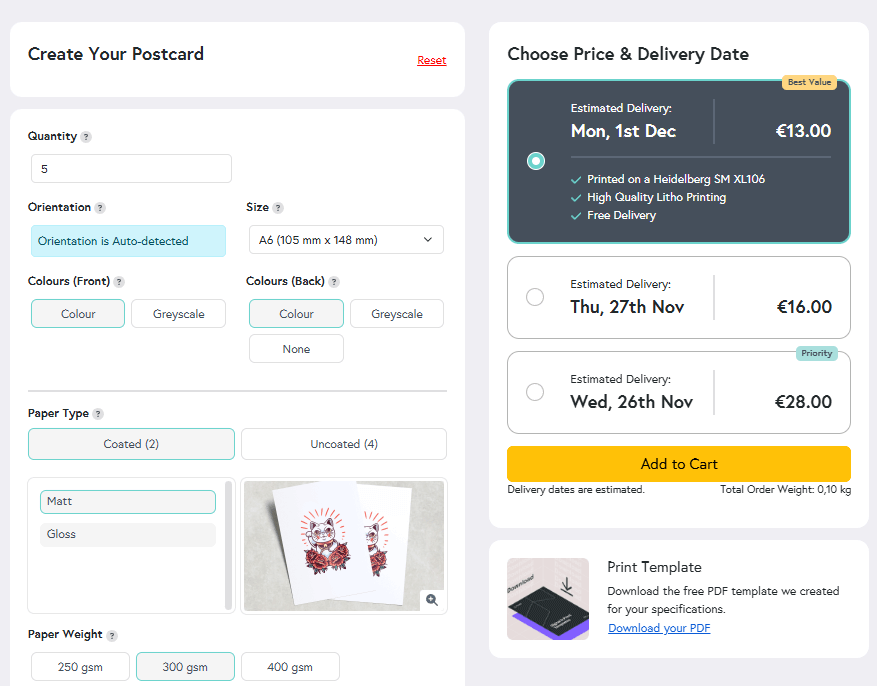
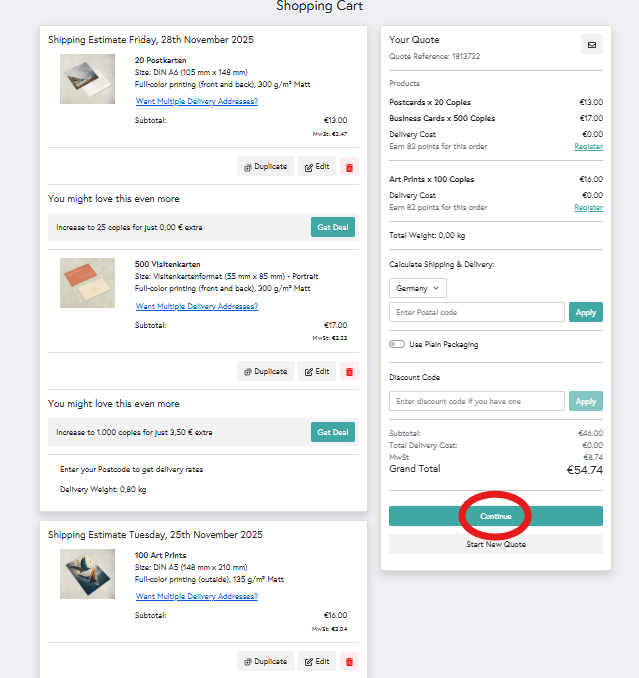
To start a multi-part order, choose your first item from the menu or use the search bar at the top of the website to locate an item. Enter your specifications into the Calculator and click ‘Add to Cart’. A summary will appear in your Shopping Cart (right), and you can repeat the process until you have all the items you want to print in your Cart. The items you add will remain in your Cart unless you delete them or click ‘Save & Start A New Quote’, which allows you to adjust the specifications before adding the same item again.
Scenario 1
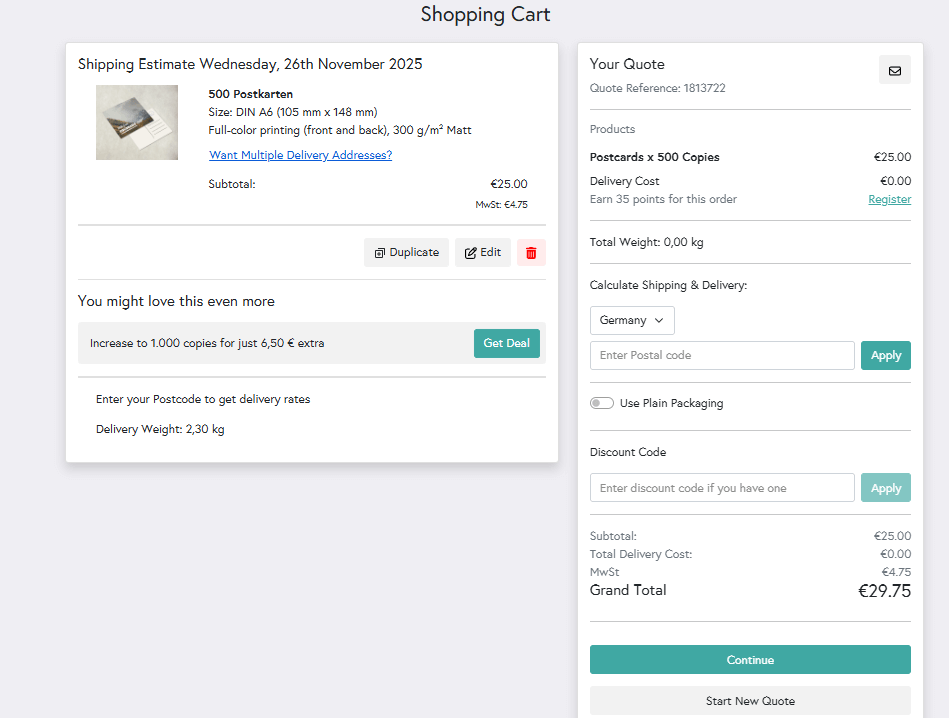
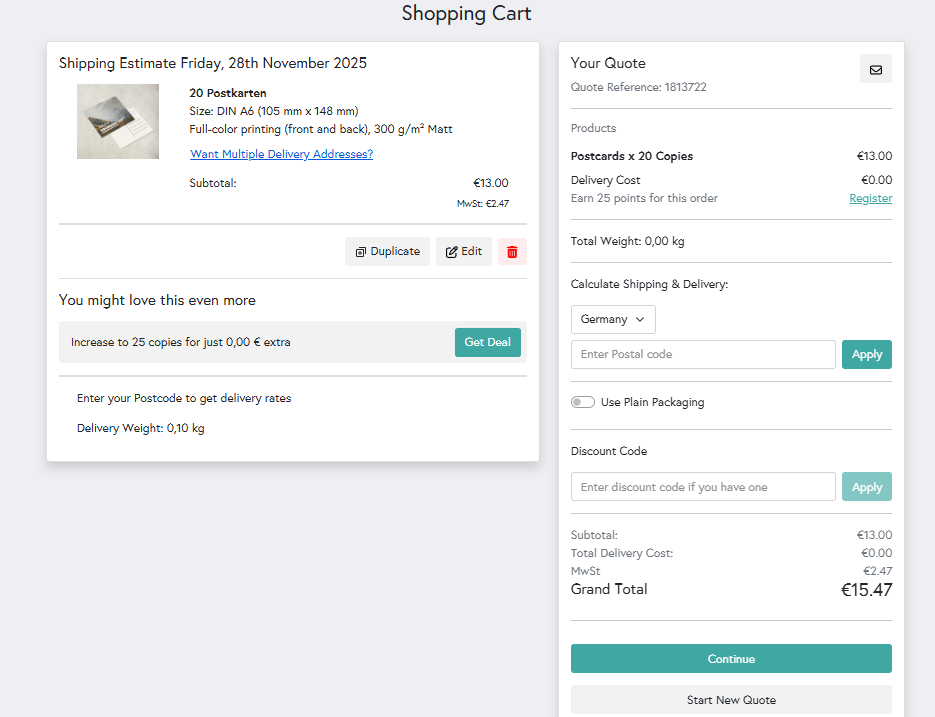
I want 20 prints with one design.
Enter the product web address or locate it under the All Products section at the top of our website.
Use our Instant Price Calculator and adjust your print specifications to get a free quote. Once you're happy with your quote and estimated delivery date, click Add to Cart - you now have one product in one order. You can then click Proceed and Upload files.
Scenario 2
I want 20 prints in total with 4 designs.
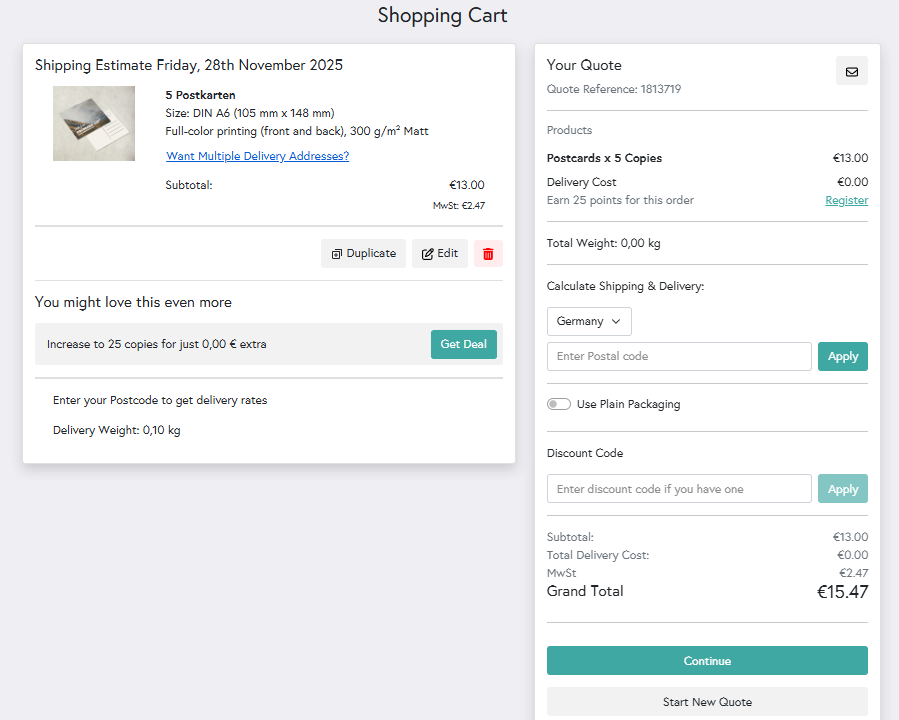
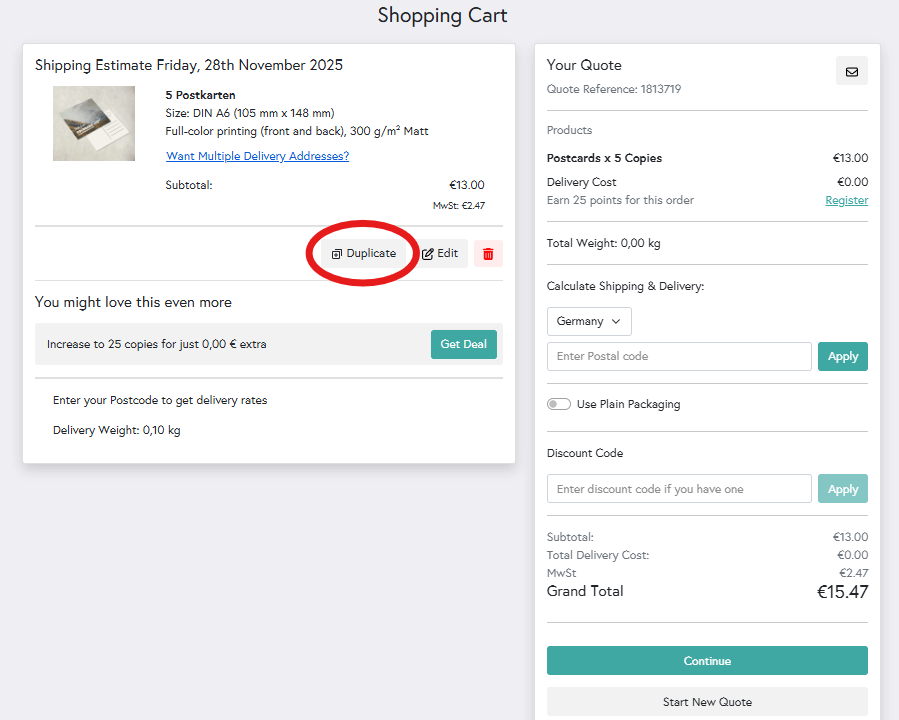
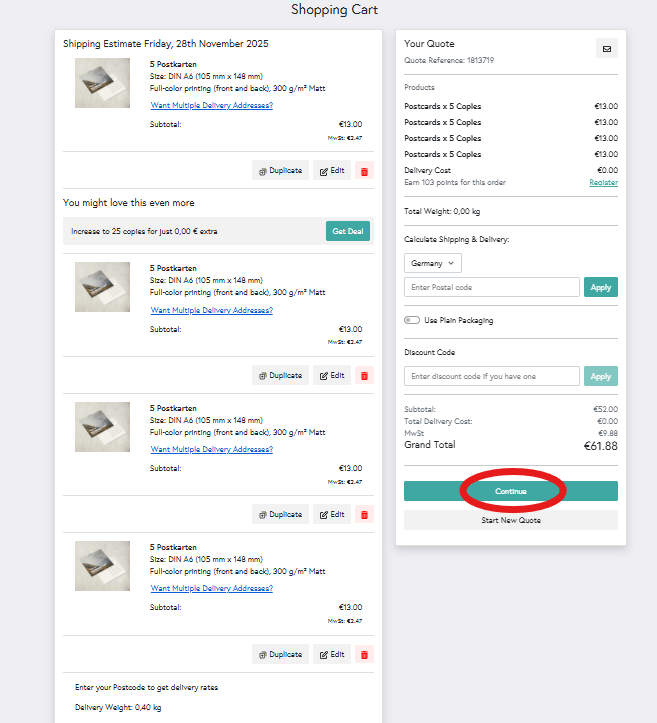
For this example, you will need to order 5 lots of an item for your 4 artwork files. Visit the relevant product page, get a quote for 5 copies of one design, and add it to your cart.
In the Shopping Cart summary, click the button that reads Add items to this order and repeat this step another 3 times for the remaining artwork files. You can then click Proceed and upload files.
Scenario 3
I have 1 design, and I want to print it on 3 different products.
Head to the All products section and select the item you would like to order. Once you've added a quote to your cart, click Add items to this order in the Shopping Cart summary. You can recommence the same ordering process for the 2 remaining products.
The 3 products will appear together in one order summary. You can then upload your artwork for each product, providing you have formatted them correctly.
The one exception
The only exception to the multiple artworks rule is our variant covers for Comic Books and Graphic Novels. A variant cover is an issue of a Comic or Graphic Novel that we print using your own individual cover art. To find out more about variant and sketch covers, click here.