Introduction
Postcards remain one of the most effective print formats for marketing and communication. Whether you’re promoting a product, sending wedding announcements, or sharing personal artwork, the size of a postcard is a crucial design aspect. The right size not only influences how your message is received but also plays a role in mailing costs, layout, and overall impact. In this guide, we’ll discuss popular postcard dimensions, design considerations, shipping and distribution, and address some frequently asked questions.
Understanding the Importance of Postcard Sizes
Common Postcard Dimensions
When selecting a postcard size, the first step is understanding your available options. Each size serves different purposes and fits different budgets. Smaller sizes often qualify for lower mailing rates, while larger ones offer more room for imagery and copy. The right size ensures your postcards meet postal regulations, preventing unnecessary surcharges or delivery delays.
Popular Postcard Size: A6 (105 mm × 148 mm)
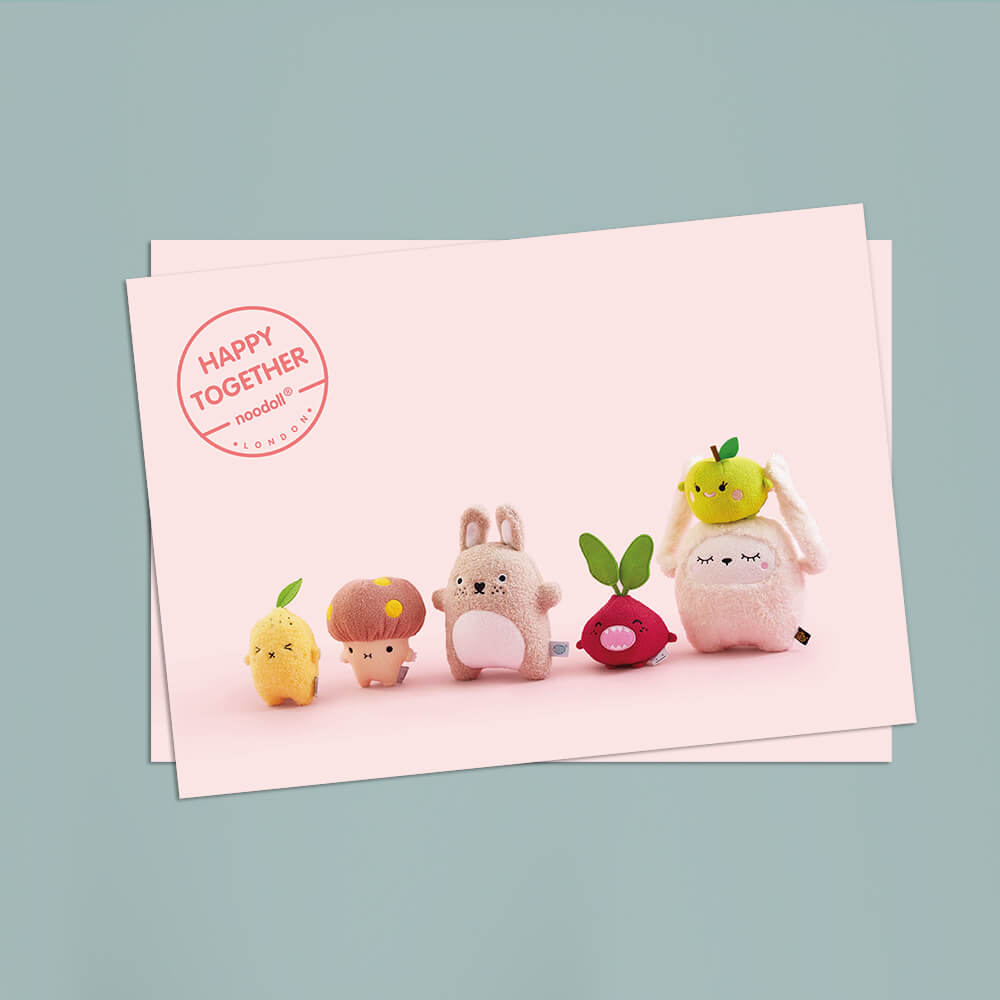
A6 is the most widely accepted and cost-effective postcard size. A6 offers a clean, proportional layout, allowing enough space for messages and visuals without feeling overcrowded. It aligns with local printing and mailing standards, which makes distribution easy. Whether you're sending promotional content or personal messages, A6 is the ideal pick for your print projects.
Selecting the Right Size for Marketing Success
Target Audience Considerations
A6 size has a compact format, is easy to display, read quickly, and can be delivered through standard letterboxes. Always consider how your audience will interact with the postcard and what level of visual or written content they expect to receive. Matching your design approach to their habits and preferences helps your message land more effectively.
Purpose of a Postcard Campaign
The size of your postcard should align with the campaign's objective. Are you aiming to raise brand awareness, drive foot traffic, announce an event, or showcase a product? For brief, time-sensitive campaigns—like flash sales, appointment reminders, or opening announcements—a postcard format like A6 is practical and cost-effective. It delivers the message quickly without overwhelming the reader. Before choosing a size, define the goal of your postcard—whether it's to take action, raise awareness, or convey information—and let that guide your design and layout decisions.
Selecting the Right Size for Personal and Special Occasion Printing
Creative Prints for Personal Projects
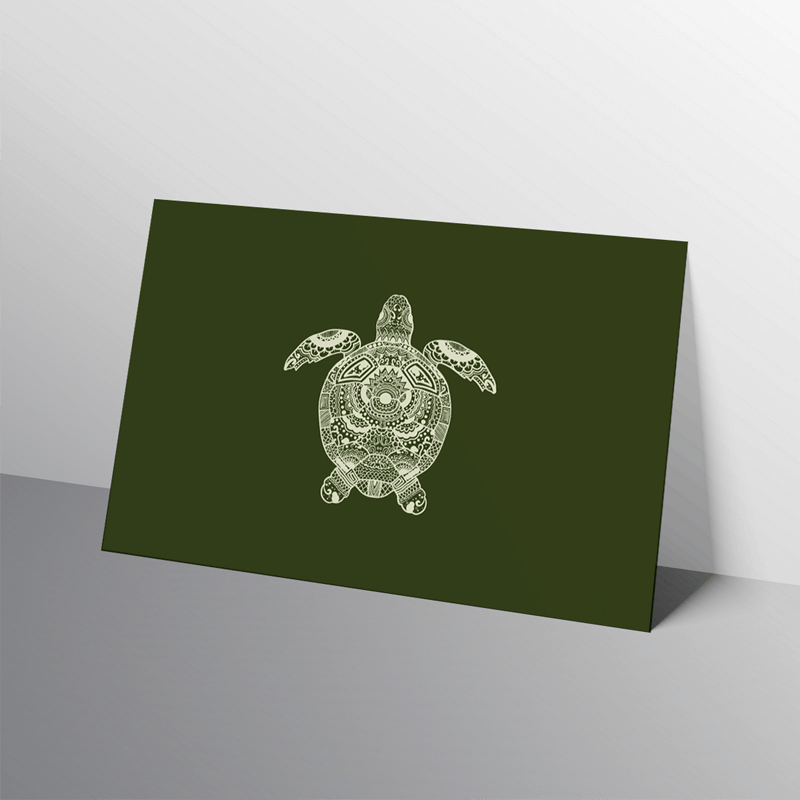
Postcards aren’t just for promotional mailouts. Many artists, illustrators, and photographers print their work in smaller formats, making them budget-friendly art prints, keepsakes, or collector’s items. Their portability and durability make them ideal for handing out at craft fairs, art shows, or exhibitions.
Postcard Sizes for Weddings and Events
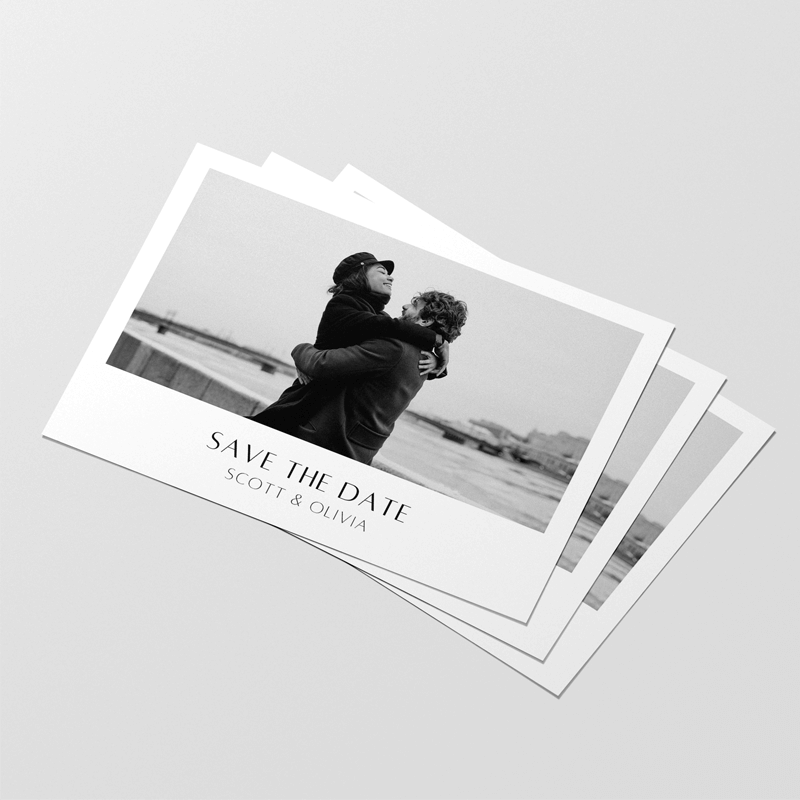
Postcards offer a thoughtful, stylish way to share news without the extra cost or formality of traditional stationery. Many couples use them for save-the-dates, thank-you notes, or announcement cards, keeping communication clear and beautifully presented. Their flat format makes them easy to design, print, and mail—and provide enough space to include photos, a timeline, or just a simple message.
Design Guidelines for Postcards
Importance of Visual Impact
Your postcard’s design should guide the viewer’s eye smoothly through the content, starting from the headline, moving to the main image, and then to key details, such as contact information or a call-to-action. Avoid overcrowding your design with too many competing elements. A balanced layout not only looks appealing but also makes it easier for recipients to grasp your message quickly.
Colour Schemes and Typography
Unless you’re working with a specific colour scheme or brand palette, consider a limited palette of two or three complementary colours to achieve cohesion and a professional appearance. You should also choose clean, easy-to-read fonts and avoid overly decorative styles that reduce clarity. Use no more than two or three font styles—such as a bold font for headlines and a simpler font for body text—to maintain consistency and establish a visual hierarchy.
Tips for Effective Postcard Design
- Use high-resolution images to ensure sharp, professional-quality prints. Select visuals that support your message and evoke emotion. Always use high-quality, detailed images for optimal print quality, and Mixam’s artwork manager will alert you if there are resolution issues. For more information on how to ensure top-quality printing, refer to our guide on resolution and print quality.
- Keep your text minimal and well-spaced. Don’t fill every inch with content. Instead, use white space to give your design room to breathe and highlight the key elements. A clean layout helps recipients absorb your message quickly and comfortably.
- Ensure a strong contrast between text and background for readability. Whether your background is a solid colour or a photograph, information must stand out; techniques like contrasting colours or framing text can improve legibility.
- Consider your layout and orientation carefully. A landscape format works well for designs and multi-column designs, allowing content to flow horizontally. Portrait orientation suits vertical images or storytelling formats where information is presented top to bottom.
Split Shipping Options for Postcards
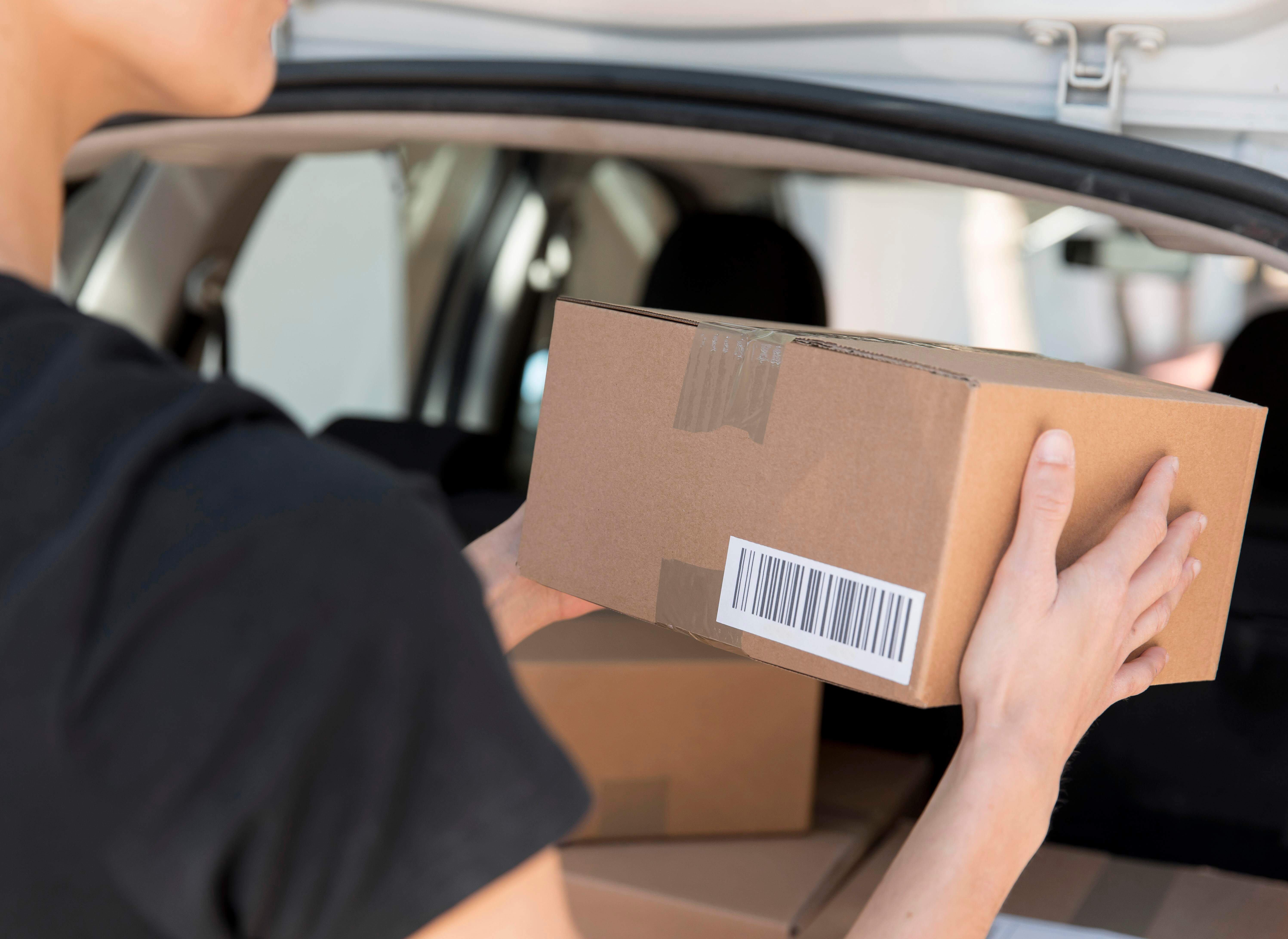
If you’re planning to send your postcards to multiple recipients, Mixam’s split shipping options make it easy to manage distribution directly from your account. You can either manually add delivery addresses during checkout or upload your own mailing list. Here’s how it works:
Option 1: Manually Add Delivery Addresses
If you’re only sending postcards to a few different addresses:
- Begin your order and fill out your billing and delivery details.
- Select ‘Add another delivery address’ under the delivery section.
- Enter the additional addresses one by one.
- Choose how many postcards you’d like to send to each location.
- The system will calculate delivery charges based on quantity and destination.
Note: Additional delivery fees apply if you're sending postcards to more than five addresses.
Option 2: Upload a Mailing List (.CSV File)
For bulk orders or large-scale postcard orders:
- Log in to your Mixam account.
- Go to My Account > Addresses tab > Mailing List.
- Click ‘Create a Mailing List’ and upload your .csv file.
- Label your mailing list clearly for future reference.
- Match the correct columns in your file to the fields required (e.g. First Name, Last Name, Address Line 1, City, etc.).
- The system will highlight any errors. You can fix them directly on the website or correct your file and reupload.
- Once verified, you can save your mailing list for future use.
Using a Mailing List in Your Order
When you're ready to print postcards using a saved mailing list:
- Add your specifications to your Shopping Cart.
- Under your shopping cart, click the ‘Want Multiple Delivery Addresses?’ link.
- Choose your saved Mailing List.
- Select all addresses or pick specific ones for the order.
- Enter the number of postcards for each address.
- Review the automatically calculated shipping costs and proceed.
Tips for Effective Postcard Distribution
- Use updated, verified mailing lists: Keeping your mailing list current reduces returned mail and ensures your postcards reach the right recipients. Regularly cleaning and verifying addresses can improve delivery rates and campaign success.
- Mail before holidays or special events: Plan your mailing schedule well in advance to meet important deadlines. Ordering early also helps to avoid delays and ensures your postcard order arrives promptly.
- Include a QR code or promo code for tracking: Adding a QR code or promo code lets you monitor how recipients respond to your campaign. This data helps measure effectiveness and guides improvements in future mailings.
- Test small batches before committing to large orders: Printing a small run first allows you to check colours, layout, and paper quality. This way, you can make any needed changes before investing in a full print run.
- Track performance and adjust future campaigns accordingly: Collect data on responses and delivery success to learn what works best. Use this insight to refine your mailing list, design, and timing for more effective future campaigns.
Frequently Asked Questions
Why should I choose Mixam to print my postcards?
Mixam uses the latest printing equipment and materials to ensure consistent, excellent results every time. With a wide range of print options, you have everything you need to make your postcards stand out. Our pricing is also transparent—simply enter your print specifications into our Instant Quote Calculator for a free quote in seconds. Our team of experienced print experts is always on hand and ready to assist, offering support and guidance via our website’s chat function, by email and by phone.
How can I make my own postcards?
At Mixam, you can upload a scan of your own artwork or upload a design that you made in a program like Canva, Adobe Photoshop, or Illustrator. To help with setup, we offer free downloadable templates under the Instant Quote Calculator—these serve as a guide in your design software to ensure everything aligns with our print specifications. You can also use our free Design Online Tool to refine an existing design or create your postcard from scratch using ready-made layouts, fonts, and graphics—all without needing additional software.
What file formats do you accept for postcards?
We accept most file formats and convert them to print-ready PDFs. For double-sided designs, you can upload one combined file or two separate files—just label them clearly (e.g., front.pdf, back.pdf) so our system can place them correctly. For single-sided postcards, upload one clearly named file. Before uploading, double-check that your artwork also has the correct orientation (portrait or landscape). For full details, see our File Formats Guide.
What is a "Safe Zone" and "Bleed"?
The safe zone ensures important content isn’t trimmed, bleed is a 3mm extension beyond the page edges on all sides, allowing background images or colours to print cleanly to the edge. You’ll need to add bleed before uploading your files—our system will automatically check for it and flag any issues. Keep text, logos, and key elements within the safe zone to protect them during the cutting process. If you're unsure how to add bleed, our print experts can help by applying a false bleed where needed. Both safe zone and bleed guidelines are also visible on our downloadable templates to help you prepare print-ready files.
What paper stocks do you offer?
Silk: This coated paper boasts a smooth texture with a subtle sheen that enhances colour clarity and contrast, making it ideal for designs featuring sharp text or bold graphics.
Uncoated: With a soft, natural finish, this paper gives colours a more muted appearance and is easy to write or draw on—perfect for personalised postcards or handwritten messages.
Recycled: Made from 100% recycled fibres, this environmentally friendly option offers a textured, organic feel—great for brands or projects focused on sustainability.
Conclusion
Choosing the right postcard size is more than a design decision—it’s part of making your message clear, effective, and budget-conscious. Whether you need a compact card for local promotion or a larger one for visual storytelling, knowing your options helps you plan with confidence. Mixam supports you at every stage with tools, templates, and expert advice. Visit our Postcards page to get started and get a free quote.