Introduction
Yearbooks preserve the memories and milestones that make a school year special. Creating a yearbook takes careful planning and creativity, from choosing the right theme to preparing print-ready files. This guide will help students, teachers, and yearbook committees design and print custom yearbooks that beautifully capture the school year.
Why Yearbooks Still Matter
From sports victories to theatre performances, club achievements, and everyday student life, printed yearbooks offer a tangible record of school life, something students can hold, flip through, and revisit. Unlike digital photos or social media posts, custom-printed yearbooks provide a physical connection to memories, allowing students to relive experiences and share them with friends and family. Schools can also preserve these moments while presenting a product that honours the efforts of students and staff.
What Is a Yearbook Theme?
A yearbook theme is the central idea that connects every page and gives your book a personality. A clear theme helps you organise content logically from the cover design to the final spread. When planning, think about what represents your school best. Your theme could be simple and modern, or bright and expressive. You might include class pages, team highlights, or student life photo spreads to make every section feel unified.
10 Trending Yearbook Ideas for 2025–26
- Minimalist & Clean Layouts: These styles emphasise white space, plain fonts, and photography. By keeping pages uncluttered, minimalist layouts can highlight headshots, team photos, and draw attention to the most important moments. For help choosing the right typeface for your yearbook design, explore our guide on the best fonts for books.
- Bold Colour Blocking: Large blocks of vivid colour can make a yearbook spread more visually striking. Pairing electric neon with neutral tones or earth-inspired palettes adds a modern, contemporary feel. Bold colours also guide the reader’s eye and highlight key sections, ensuring important content stands out.
- Retro & Y2K Throwbacks: Retro themes make yearbook pages fun and engaging. Early-2000s-inspired designs, featuring pixel art, checkerboard patterns, and neon accents, evoke nostalgia while staying fresh and digitally relevant for today’s students.
- Maximalist & Anti-Design Spreads: Maximalist layouts embrace layered visuals, asymmetrical designs, and high-contrast colours. This approach balances creativity while maintaining readability.
- Interactive Storytelling: Interactive storytelling can include QR codes, behind-the-scenes photos, and teacher quotes. These features let readers explore digital content while flipping through printed books, blending physical pages with multimedia experiences for a more engaging yearbook.
- Futuristic Fonts & Highlighted Typography: Futuristic fonts paired with highlighted text blocks give yearbooks a tech-forward, Gen Z-friendly look. This style works well for section headers and callouts, adding visual interest and modern appeal to the layout.
- Social Media & Digital Aesthetic Layouts: Social media–inspired layouts mimic platforms like Instagram or TikTok to make pages feel familiar and relatable. Using profile grids, status bars, and collages creates a digital-inspired design that engages students and adds an interactive element to your design.
- Personalisation & Student-Centric Designs: Personalised spreads make yearbooks more meaningful by highlighting individual student stories, achievements, and milestones. Sections such as ‘Day in My Life’ showcase each student’s personality, adding a personal touch to your yearbook.
- Collages & Mixed Media: Collages combine photos, scanned artwork, stickers, and emojis to give yearbooks a handmade, scrapbook feel. It works particularly well for timelines or ‘memory lane’ sections, creating visually rich spreads that capture the personality and creativity of students.
- Timelines & Chronological Coverage: Organise events month by month, including off-season activities and summer highlights, to provide complete coverage of the academic year. Chronological storytelling adds context and continuity to yearbook pages, helping students and staff relive memorable moments.
Yearbook Print Options
Selecting the right printing options is key to creating a yearbook that lasts. Here are some printing choices and features to help you get started:
Popular Paper Types
- Silk: A smooth, coated paper that has a subtle sheen and makes text and images appear brightly-colored and sharp. Satin paper enhances readability while giving yearbooks a polished appearance.
- Gloss: A high-shine paper has an ultra-smooth coated surface that makes photos and graphics appear vivid. Gloss paper is ideal for photo-heavy projects, ensuring images have maximum impact.
Popular Binding Options
- Hardcover: Hardcover yearbooks feature pages bound to a spine with strong adhesive and encased in rigid, durable cardboard covers, often wrapped in printed paper. This binding offers high durability, a polished aesthetic, and a high-end feel, giving yearbooks a high-value feel.
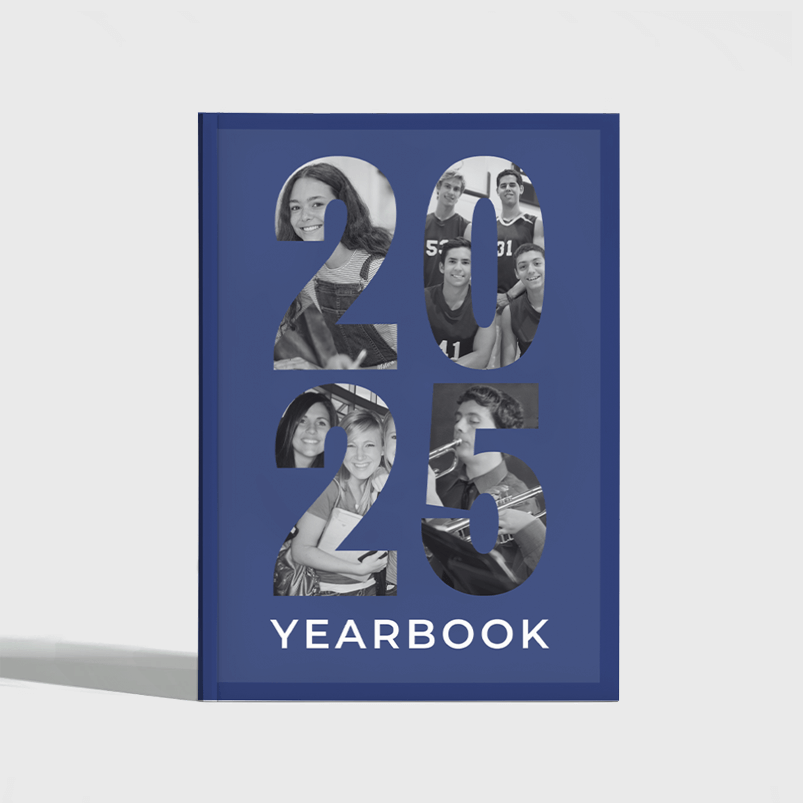
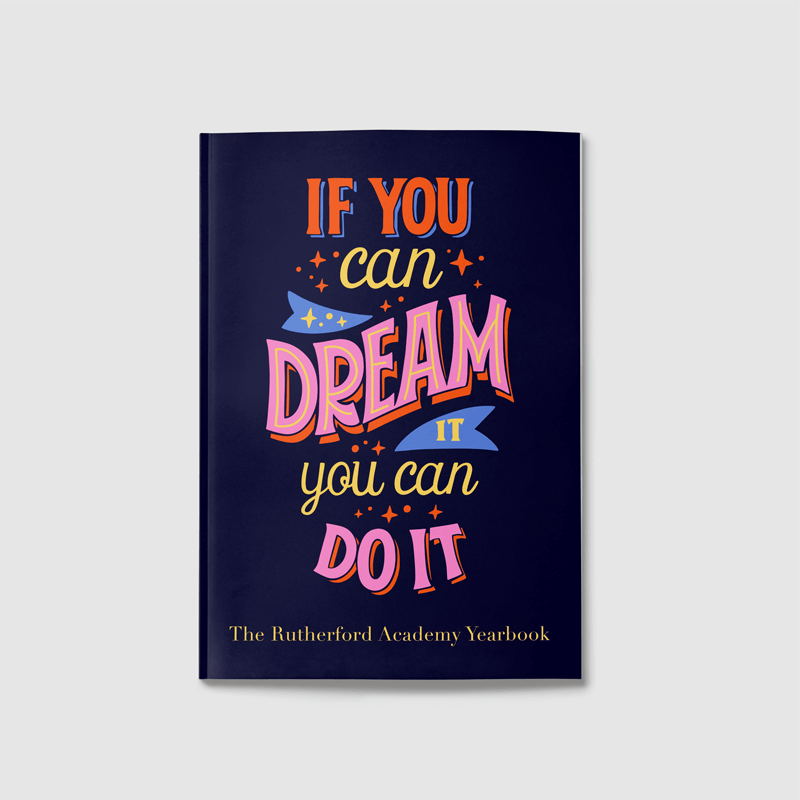
- Paperback: Paperback yearbooks feature flexible covers made from durable paper, making them lightweight and portable. Unlike hardcover books, paperbacks are more affordable to produce while still offering a professional look. Inner pages are typically joined with perfect binding, where pages are glued to the spine to create a sleek finish that holds up well over time.
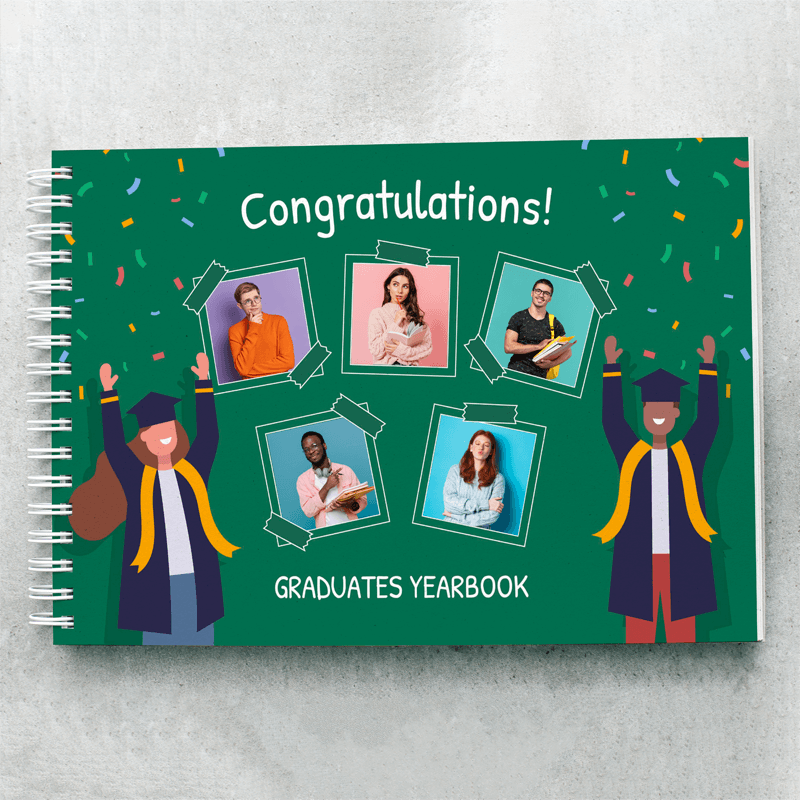
- Wiro: Wiro-bound yearbooks use sturdy, C-shaped wire loops that allow pages to rotate 360 degrees and lie flat, making them easy to view and handle. It works well for both small and large page counts, and is ideal for image-heavy spreads or content that doesn’t span facing pages.
Special Cover Finishes
- Spot UV: Spot UV uses a liquid coating cured with ultraviolet light to highlight specific design elements and add subtle texture to covers. It works well for emphasising logos, titles, or background areas. For best results, visit the Spot UV support page for detailed setup instructions and upload a separate PDF design file to your Artwork tab.
- Foiling: Foiling adds a high-end look to covers. The process involves etching your design onto a metal plate, heating it, and pressing foil between the plate and the cover. The heat bonds the foil to the surface, creating an opaque metallic effect. For best results, use a 2pt line width with no more than 1” coverage and refer to our Foiling support page for detailed instructions before uploading a separate PDF file.
Yearbook Design Tools
Creating a yearbook requires accessible and reliable design tools. Popular options include Canva and Adobe InDesign, but Mixam offers solutions specifically for print-ready books to help reduce common print errors and maintain consistency across all pages.
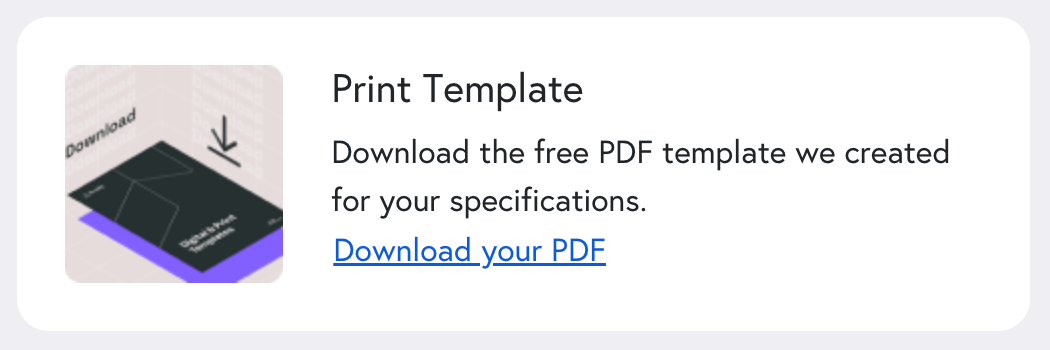
One free design tool that Mixam offers is downloadable templates. You can select your print specifications using the Instant Quote Calculator and insert the template as an underlay in your preferred design program. Templates include preset printing guidelines to help you position artwork accurately, but be sure to remove the template before uploading your files.
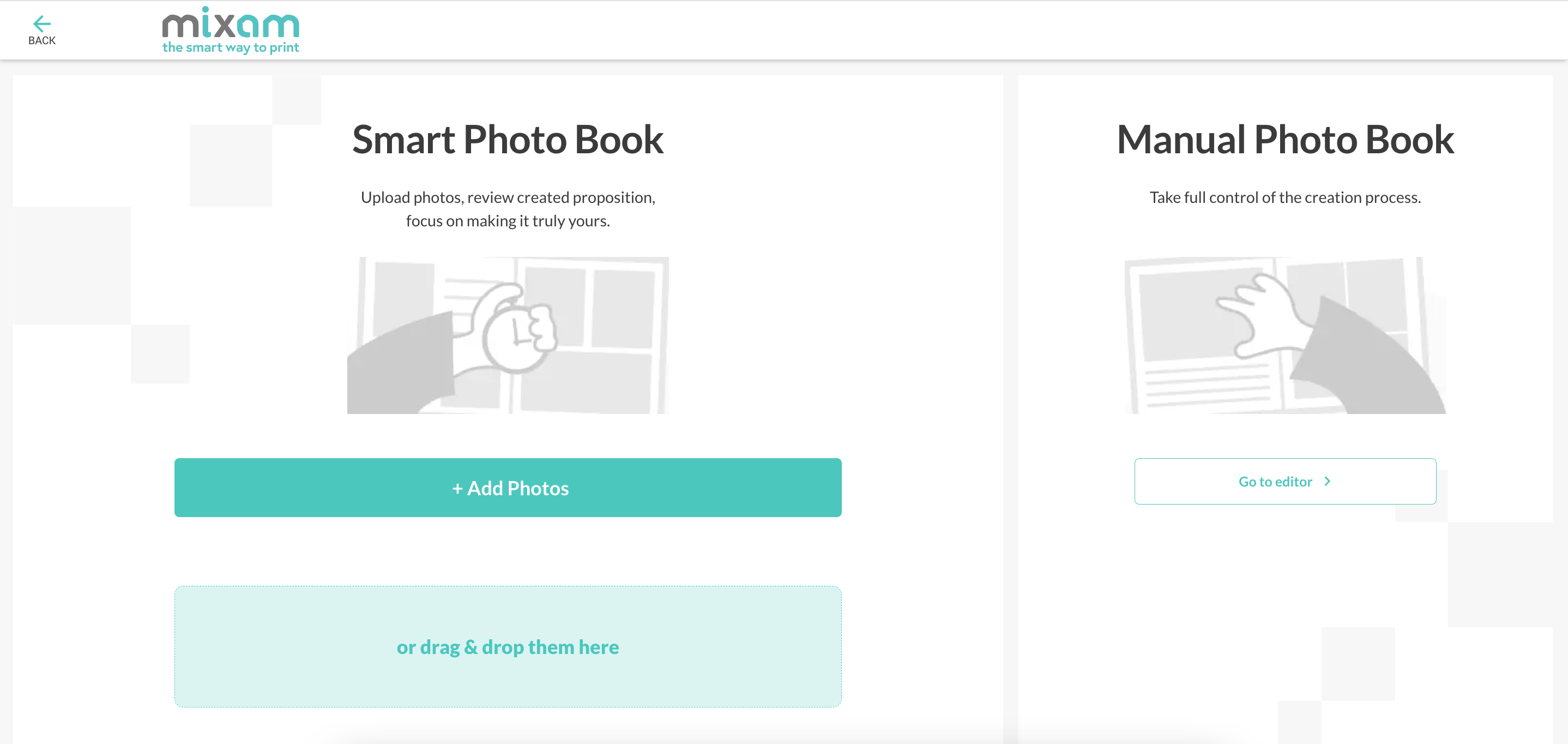
Additionally, Mixam’s free Photo Book Editor is ideal for photo-heavy projects, letting you start with a blank theme or a pre-made layout. You can access it via the Calculator’s ‘Design Online’ option or in your order’s Artwork tab. All files include preset guidelines to ensure files are print-ready. Designs created in an external program can also be combined with those made in the editor.
Yearbook Design Tips
- Keep Layouts Consistent: Use uniform fonts, colour schemes, and page structures throughout your yearbook. Consistency helps readers navigate pages easily and gives your publication a harmonious feel.
- Leave Adequate Margins: Use full-bleed printing to prevent text or images from being trimmed at the edges. Proper margins preserve important content, and you can learn more about bleed in printing on our blog and how to set it up correctly.
- Use High-Quality Images: Upload high-resolution photos to ensure crisp, detailed printing. Low-quality images can reduce the perceived value of your yearbook. However, Mixam’s AI Image Enhancer can automatically improve image clarity and pixel density, ensuring all content looks sharp in print. To ensure your images stay sharp in print, check out our guide on DPI for printing and learn how to maintain high-quality results.
- Upload Accepted File Types: For consistency, we recommend using PDFs so all files appear the same across devices and platforms. You can check our file format guidelines to make file upload easy and straightforward.
- Proof Before Printing: Always review your downloadable proof to confirm that your layouts, text, and images appear exactly as intended. Mixam’s automated file checks help catch common errors, but proofing your yearbook manually is highly recommended.
Yearbook Printing With Mixam
Mixam is trusted for high-quality printing, affordability, and accessibility. Our all-in-one platform gives you full control, offering flexible pricing, a wide range of print specifications, and a seamless ordering process so you can create, print, and share your yearbooks how you want.
One of Mixam’s biggest strengths is outstanding support from real print experts. Our knowledgeable team is available to answer questions and guide you through every step of the process. However, for early-stage planning, our Smart AI Print Assistant can recommend options, generate instant quotes, and even help initiate orders, making yearbook printing faster and easier than ever. With Mixam, we’ll ensure your yearbooks are delivered with attention to detail and care every time.
Conclusion
Yearbooks are a chance to celebrate achievements and bring school communities together. With the right theme, consistent layouts, and professional printing, you can create a keepsake that students and staff will treasure.
Ready to print a custom school yearbook online? Start your project today with a free quote. You can also download our Book Printing Guide to learn the essentials of book production, and explore our PrintLink Guide to streamline yearbook ordering and distribution.
Main Image Credit: Unsplash