Introduction
Product catalogs are still one of the most effective ways to showcase your products and connect with customers in a tangible way. In this guide, we’ll cover everything you need to know about custom product catalog printing, from planning and design to choosing the right paper and binding. You’ll also learn practical tips for creating visually appealing layouts, explore sustainable printing options, and discover tools that make the entire process smooth and straightforward.
Catalog Binding Types
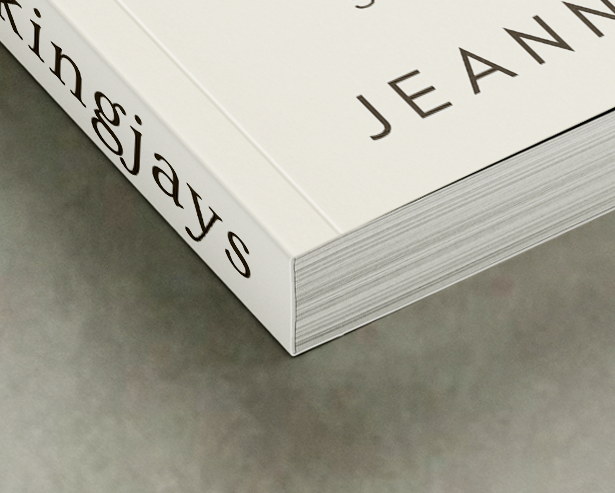
- Perfect Binding: A popular choice for catalogs. Pages are glued to a spine and then joined to a slightly heavier cover, creating a clean rectangular spine. For thicker or heavier catalogs, Mixam uses PUR (polyurethane reactive) adhesive, which ensures durability and flexibility without spine damage.
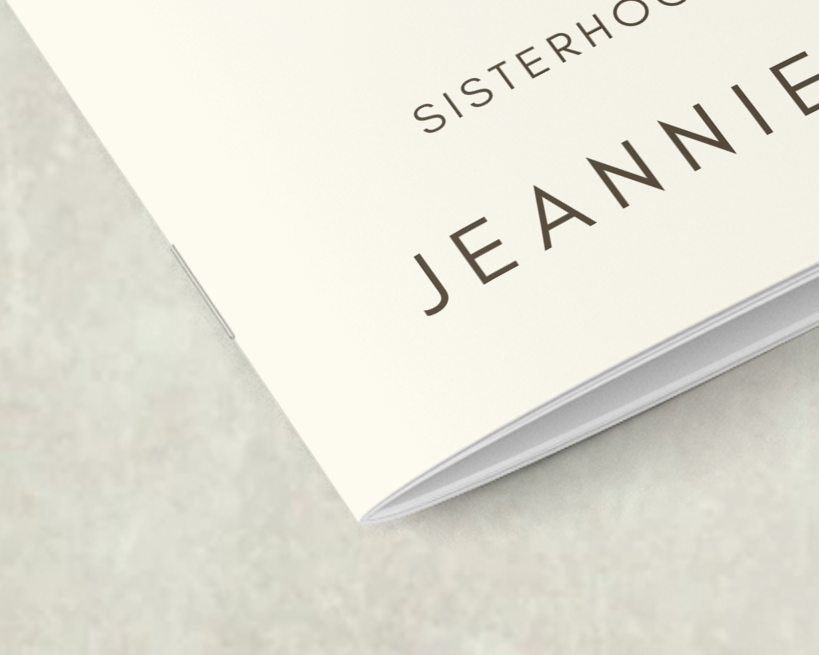
- Saddle-Stitch (Staple): Uses two staples along the centerfold to hold the pages securely. It is a cost-effective, reliable method, especially for catalogs with fewer pages.
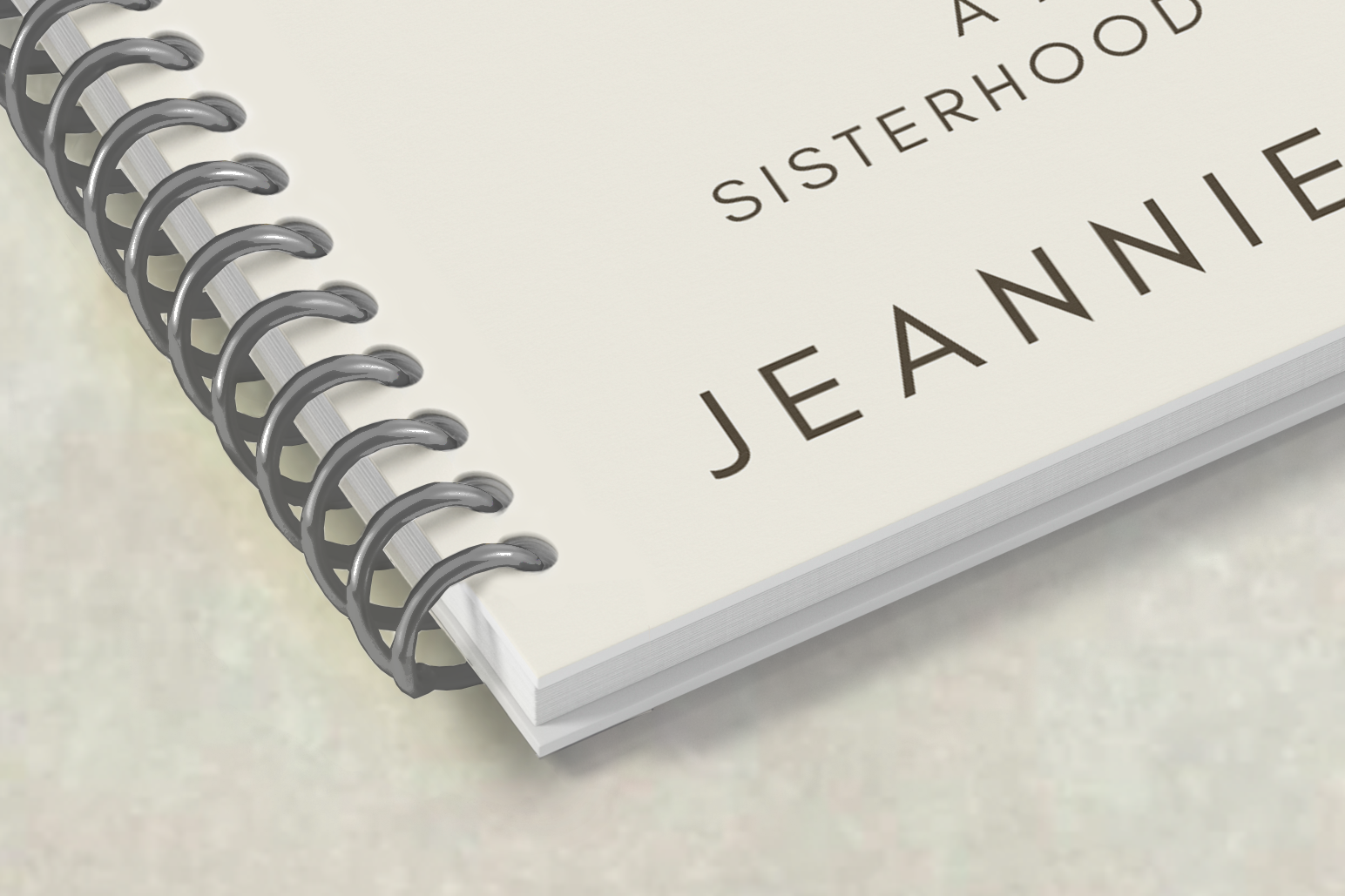
- Wire-O Binding: Secures pages using C-shaped wire loops, allowing pages to lie flat and rotate 360 degrees. This method is both flexible and durable, accommodating small and large page counts.
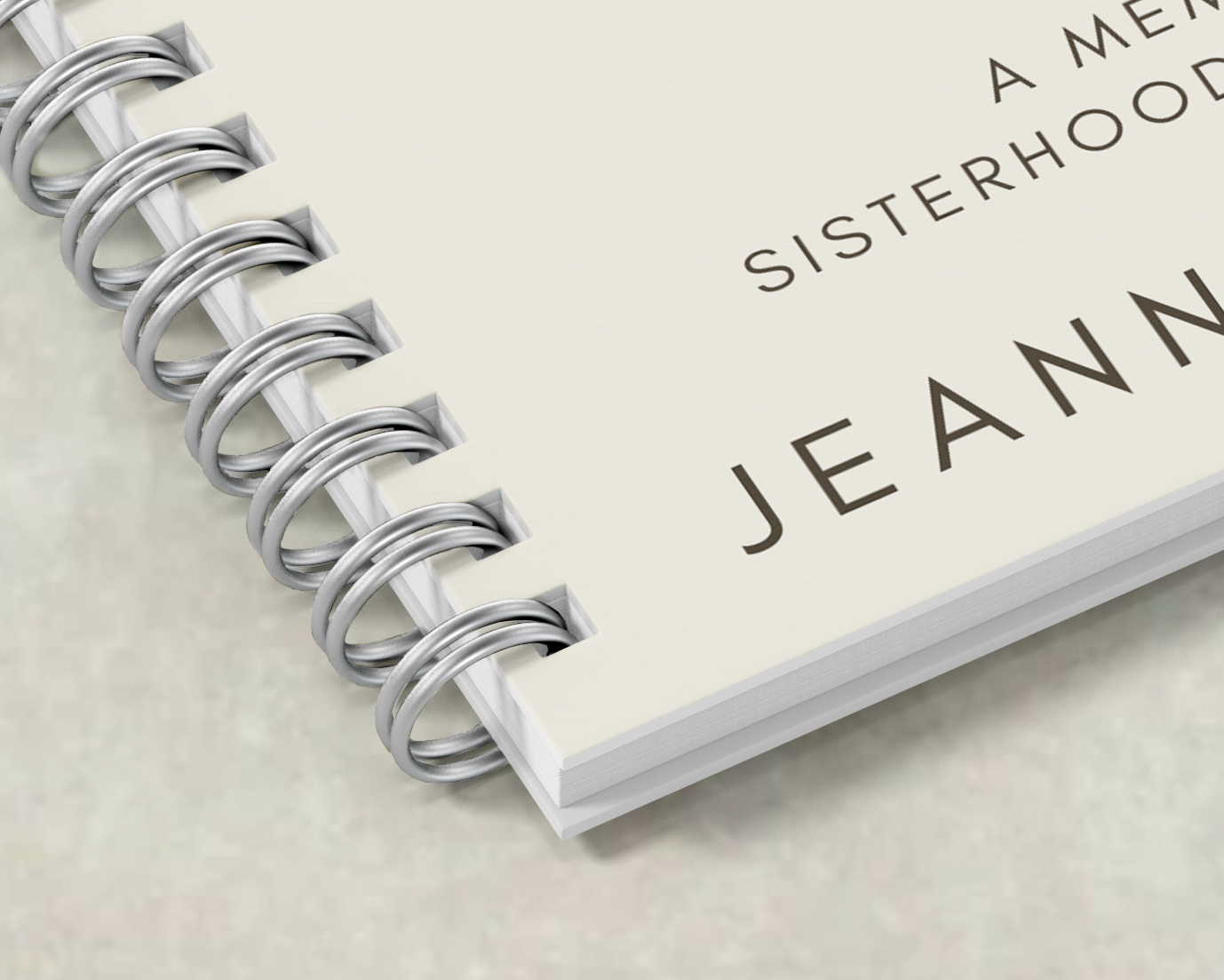
- Spiral Binding: Uses a plastic coil threaded through punched holes along the binding edge. Pages rotate 360° and lay flat when open, making it practical for day-to-day use. Spiral binding is particularly useful for catalogs that need to be referenced frequently, such as event booklets or interactive product portfolios.
Paper Weight & Cover Lamination
Paper weight is measured in pounds (lb) and refers to the weight of a ream of paper in its uncut size. Heavier papers are more durable, making them ideal for frequently handled items, while lighter papers are cost-effective for longer runs. Text paper is used for inner pages, and cover paper is thicker for added protection. On Mixam’s Instant Quote Calculator, you can select the cover paper weights using the ‘Add Cover (+4 Printed Pages)’ option. Catalogs without a separate cover that use the same paper for both inner pages and cover are known as a self-cover.
Cover lamination adds a clear protective coating to printed covers. Laminations differ from finishes like matte or gloss, which enhance texture or color. Common catalog lamination options include:
- None: No lamination, ideal for creative, writable, or fully recyclable items.
- Matte: Smooth, glare-free, and soft; slightly mutes colors for a subtle, natural look. Often paired with satin paper.
- Gloss: Ultra-smooth with high shine; enhances color contrast and vibrancy. Perfect for image-heavy catalogs.
- Soft-Touch: Velvety, matte finish that mutes colors; ideal for frequently handled catalogs for a premium tactile experience.
Uploading Print Files: File Types & Bleed Settings
Mixam accepts various file types. We convert non-PDF files into high-quality PDFs for printing, preserving formatting, style, and image integrity.
Alternatively, Mixam offers a free Design Online tool, which simplifies file creation with pre-made layouts, typefaces, and graphics. You can design the cover, body, or spine, and select ‘Expert’ mode for advanced editing control. The tool automatically applies your specifications from the Instant Quote Calculator, including size, page count, and printing guidelines. This makes designing a catalog faster and more accessible, even for first-time creators.
Catalog Design Tips
Designing a catalog is more than arranging images and text - it requires careful planning to ensure readability, visual appeal, and professional quality printing. Follow these steps to ensure your catalog leaves a strong impression:
- Keep Layout Consistent: Use consistent margins, fonts, and color schemes across all pages. For guidance on selecting the right fonts, check out our detailed guide to the best fonts for books.
- Leave Adequate Margins: Ensure sufficient space around edges and binding sides to prevent content from being cut. For tips on setting correct margins and ensuring your content prints correctly, see our guide to bleed in printing.
- High-Quality Images: Always use high-resolution images for sharp, clear prints. Low-quality images can reduce perceived professionalism. For advice on creating sharp, high-quality images, see our guide to DPI for printing.
- Use Clear Headings: Headings and subheadings guide readers through the catalog, making navigation easier.
- Consider Flow: Arrange pages logically to enhance readability and comprehension. Mixam’s platform allows you to drag and drop pages for easy reordering. Alternatively, click the three-dotted icon under a page and enter the new page number to move it.
- Proof Before Printing: Mixam’s automated file checks help spot errors, but reviewing a proof yourself ensures it’s correct. You can preview your catalog in a flipbook format to verify layout and artwork thumbnails before confirming your order.
Sustainability in Printing
Mixam prioritizes eco-friendly catalog printing by combining sustainable materials with energy-efficient production methods. Catalogs can be printed on papers, reducing environmental impact while maintaining high-quality results. We also use plant-based inks, which are renewable, non-toxic, biodegradable, and easy to recycle. These inks provide vibrant, full-color printing while minimizing the chemicals and energy needed during recycling.
Furthermore, our energy-efficient machinery streamlines production, ensuring each print uses only the energy required. We also print your designs on large sheets of paper, and all paper scraps and trimmings are recycled. Sustainability extends to packaging as well. Many Mixam production centers use recycled and recyclable materials to pack your prints securely, reducing their carbon footprint without compromising protection.
Our print-on-demand service is another environmentally-friendly option. Mixam’s PrintLink allows businesses to share links to their catalogs online while still offering printed versions on demand. This method offers flexibility for updates and pricing changes while expanding reach and reducing excess printing. Every file submitted undergoes a thorough review by Mixam’s team for accuracy and quality, combining sustainable printing options with intelligent production methods.
Why Print Catalogs with Mixam?
Printing your catalog with Mixam means you’re not just uploading files - you’re using a service that gives you control, quality, and flexibility. Our platform is intuitive, and the Instant Quote Calculator lets you see costs and shipping options instantly. You can print in bulk or use print-on-demand, depending on your needs. Mixam helps you choose the right option so you get the results you want without waste. Every file is automatically reviewed, and our team of experts is ready to guide you if adjustments are needed. Plus, our global printing capabilities mean you can distribute high-quality catalogs to audiences around the world with ease.
Conclusion
Creating a product catalog has never been easier. With Mixam, you can design, print, and distribute catalogs that showcase your products while supporting sustainable practices. From binding and paper selection to design and file uploading, every step is streamlined for efficiency and quality. Start printing your project today by visiting our Catalogs page. You can also download Mixam’s free Book Printing Guide to learn the essentials of book production and our PrintLink Guide to discover how to print on demand.
Main Image Credit: Pixabay