How to Customise and Print Your Perfect Keepsake
A wedding guest book is more than a place for signatures. It records your day with meaningful messages from the people who attended. When you print a guest book with a clear design, durable materials, and personal touches, you create something that lasts. In this guide, you will learn what a wedding guest book is, how to choose a format, how to design it, and why Mixam can help you print it.
What Is a Wedding Guest Book?
A wedding guest book focuses on memory and messages, not just names. Couples keep it as a long-term record of the people who attended their special day. It combines the social side of a wedding with a physical book you can read again and again. Guest books come in many styles. Some have minimal pages with clean lines. Others include photos, captions, and prompts that guide guests as they write. The main goal is simple: create a book that captures your day and preserves your guests’ messages.

Why Print Your Wedding Guest Book with Mixam?
Mixam’s printing service focuses on ease, quality, and support. It gives couples, creatives, planners, and other wedding professionals a simple way to print custom books online. The instant quote calculator shows pricing and turnaround times immediately. It highlights the most suitable options for size, paper, and finishes. You can even edit files and update quotes before approving your final order. Mixam combines flexible pricing, full creative control, and easy order tracking. Our print experts are also on hand to offer guidance at every step.
Wedding Guest Book Formats
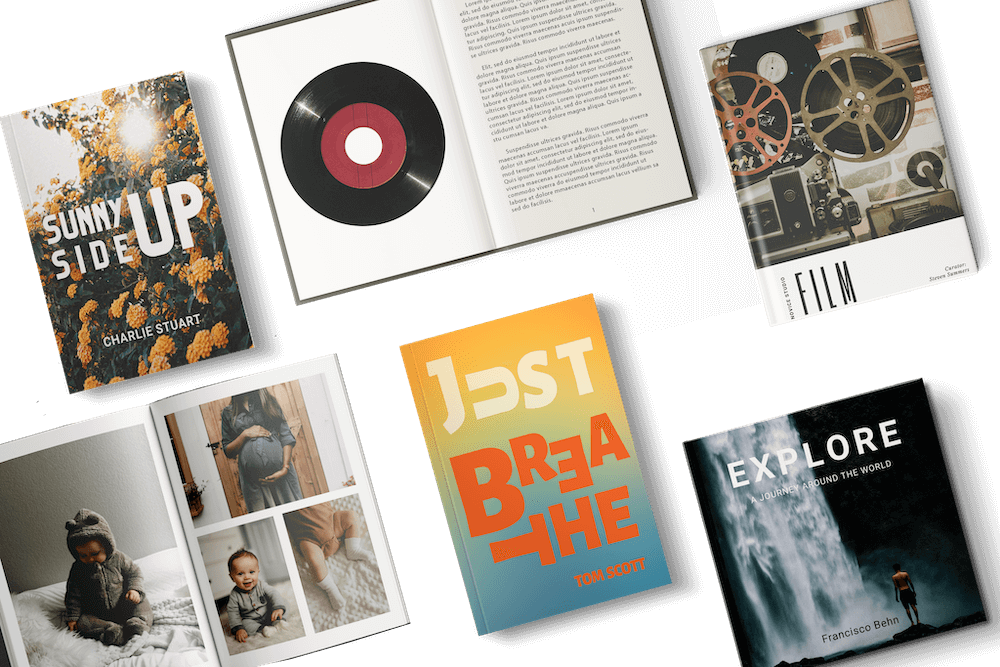
Different book formats give your wedding guest book its own look and feel. Each style brings benefits for durability, cost, and ease.
Paperback Guest Books
A paperback guest book, also called a softcover book, binds pages to a spine using adhesive and wraps them in a flexible paper cover. Its neat rectangular spine makes the book lightweight, portable, and cost-effective. This style has a relaxed, informal feel, perfect for a more casual wedding or on-the-go use.

Hardcover Guest Books
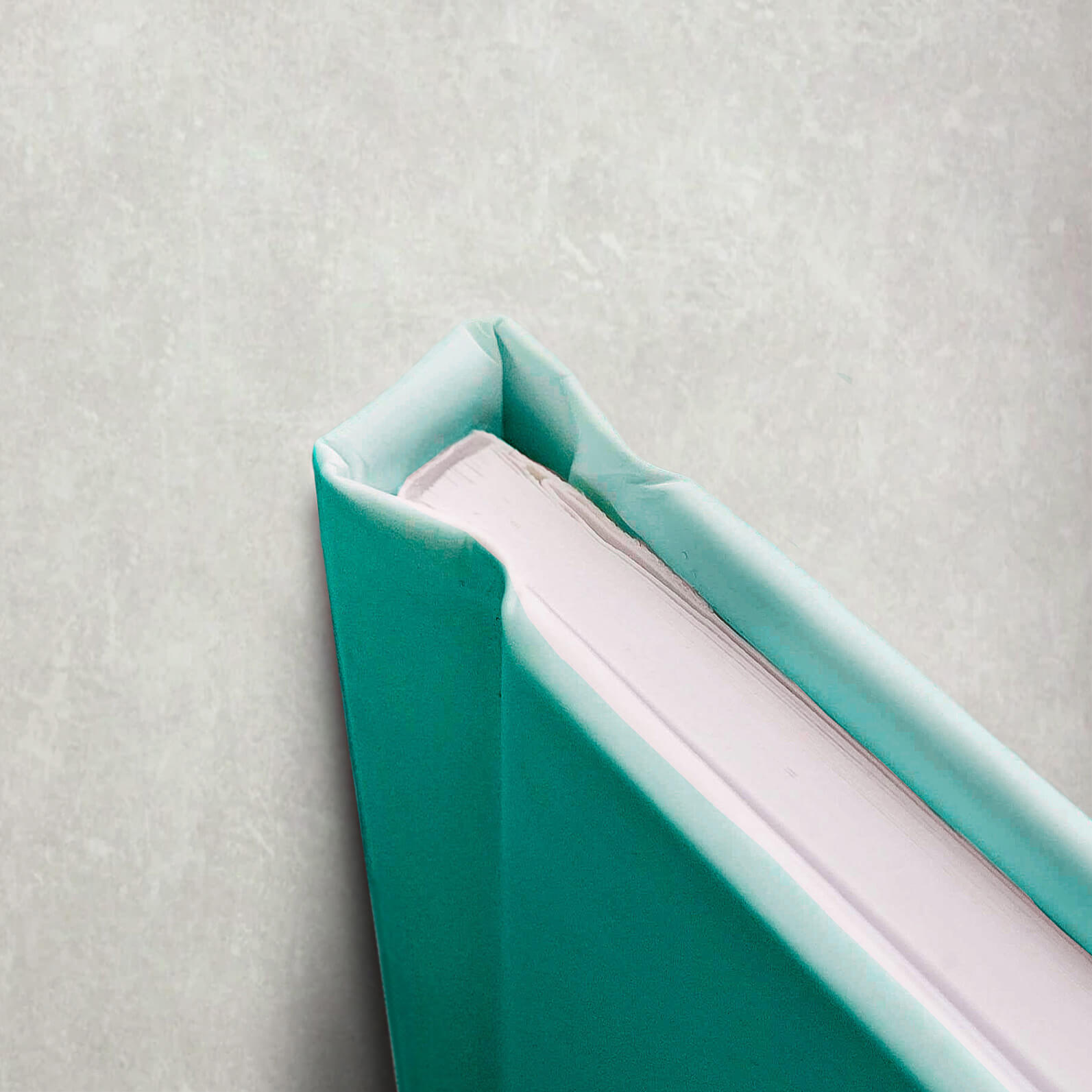
A hardcover guest book has stiff outer boards wrapped in printed paper, with inner pages bound securely to the strong spine using adhesive. This design gives the cover an impressive finish, protects the pages, and ensures the book lasts for years. Hardcover books work well if you want a keepsake that can sit on a shelf or table, like a coffee table book. Many couples choose hardcover because it supports both writing pages and photo layouts beautifully.
Paperback vs Hardcover
Hardcover books provide strength and long-lasting durability. Softcover books are flexible, lightweight, and more budget-friendly. Both options provide ample space for writing and photos. Ultimately, your choice depends on how you plan to use the book, your budget, and the style you like. You can read more about the differences between paperback vs hardcover on our blog.
Wedding Guest Book Sizes & Orientation Options
A wedding guest book should be easy to hold, simple for guests to sign, and sized to fit your space.
Standard and Custom Sizes
Mixam offers both standard and custom sizes. Standard options like A4 and A5 make it easy to plan your layout. A4 gives plenty of space for large photos or longer messages. A5 is compact and works well for short entries. Custom sizes let you control proportions, spacing, and page flow to match your design perfectly.
Paper Options for Inner Pages
Mixam offers many paper types, but two work especially well for wedding guest book pages:
- Satin: A coated paper with a smooth surface and a soft sheen. Printed colours and text appear crisp, making it ideal for photo-heavy pages or layouts.
- Uncoated: An absorbent paper that gives pages a soft finish. Colours are more muted, but uncoated paper works well for layouts with plenty of writing.
Cover Customisation
You can upload your own cover design with photos, names, and your wedding date. For finishes, Mixam offers options that protect your book and make it look polished, including:
- Matte Lamination: A smooth, glare-free surface with a natural feel.
- Gloss Lamination: A shiny finish that makes printed colours vibrant and photos appear bright and clear.
Personalise Your Guest Book Design
Your design choices—from layout to theme—shape how guests experience your book.
Use Your Own Photos
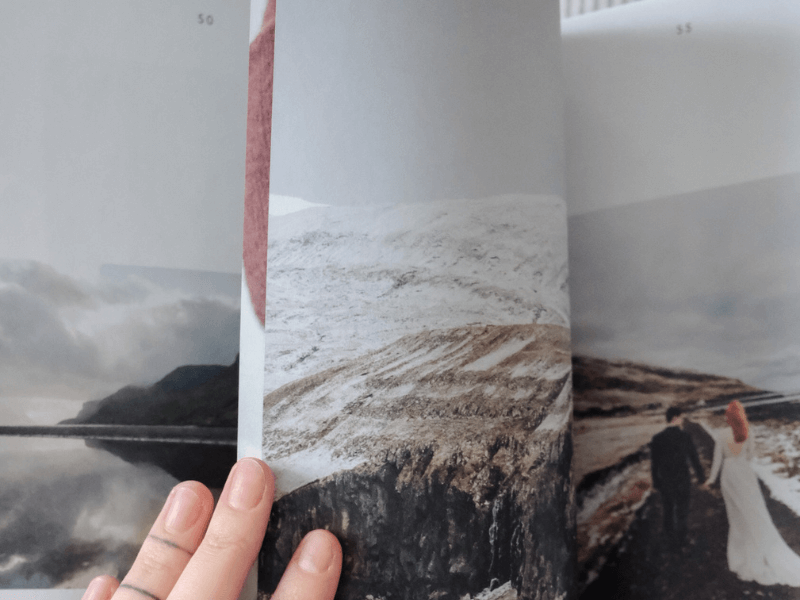
Photos help guests feel part of your story. You can include engagement images, early memories, travel shots, or simple portraits. Some couples place a full-page photo at the start of each section to guide the flow and set the tone.

Add Captions, Names, and Dates
Short captions add context without crowding your layout. Including your names and wedding date on the cover or title page makes it easy for your book to stand out. You can also add short prompts to encourage guests to write more than a signature, such as:
- Share a favourite memory.
- Give advice for the future.
- Write about your favourite moment from today.
Use Mixam’s Free Downloadable Templates
Mixam offers free templates to help you create print-ready files. You can find them under the Instant Quote Calculator. Each template shows guidelines for full-bleed printing, safe zones, and trim lines. Using a template will ensure your artwork prints as you intended.
AI Image Enhancer
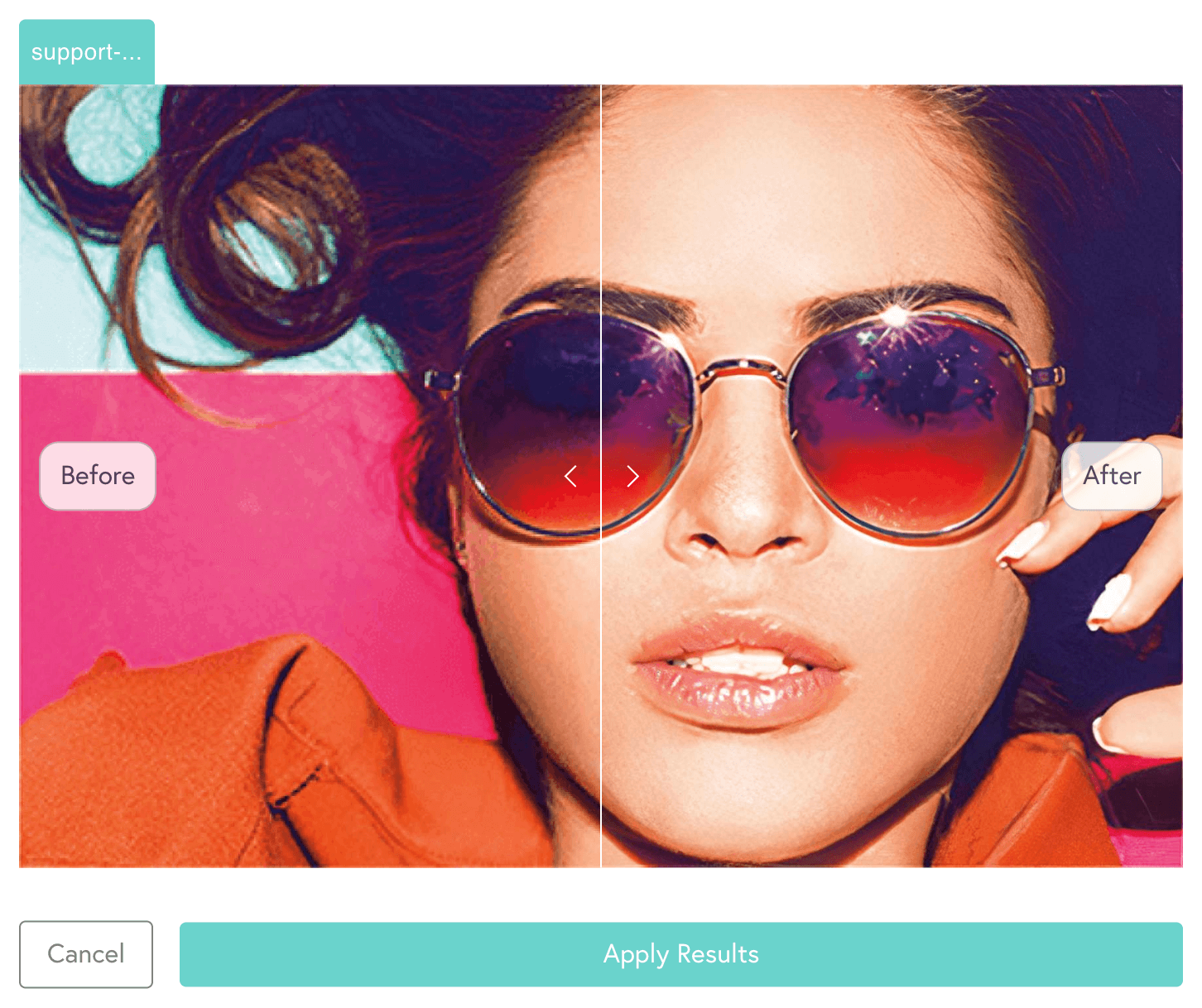
If your images are low-resolution, you can improve them with Mixam’s AI Image Enhancer. It uses artificial intelligence to increase pixel density and sharpen your files. This makes photos and graphics clearer and helps prevent blurry printing.
Typography and Spacing Tips
Good typography keeps your wedding guest book readable and organised. It makes signing easier for guests and keeps each page balanced. Here are simple guidelines:
- Use one or two font families: This keeps your design consistent and avoids a cluttered look.
- Choose a legible font size: Make sure guests can read the text easily, even in dim lighting.
- Use wide line spacing for short prompts: Extra space makes writing more comfortable and prevents crowding.
- Leave generous margins around text and photos: Margins give your layout breathing room and keep content from feeling cramped.
- Place important text and design elements away from the binding edge and trim lines: This prevents critical content from being cut off or hard to see.
How to Order Your Guest Book with Mixam
Follow these steps to order prints online with Mixam:
- Choose Your Product: Visit Mixam’s Wedding Guest Book page. Select your print specifications like format, size, page count, paper type, and cover finish.
- Get an Instant Quote: Use the Instant Quote Calculator to see your price and turnaround time. You can adjust your options until you find a combination that fits your budget and design preferences.
- Set Up Your Project in the Order Manager: Add your quote to the cart and click ‘Continue.’ This moves your project into the order manager, where you can manage files and settings in one place.
- Upload Your Files: Prepare your artwork in your preferred design program. PDF format is recommended because it preserves formatting, fonts, and images. Upload your inner pages as individual files or a folder, and upload the cover as a single file including front, spine, and back. Check any on-screen warnings, such as low resolution, and contact Mixam’s team if you need help.
- Review Your Online Proof: Once your artwork thumbnails are filled, a free virtual preview will be available. Check alignment, margins, and page order, and make adjustments or replace files as needed before approving the final proof.
- Approve Your Proof: After confirming everything is correct and payment is made, approve your order. Mixam’s print experts will do a final review before sending your book to production.
- Track Your Order: You can monitor your order status in the order manager. Email updates will notify you when your book is on its way.
Start Your Wedding Guest Book Today
Your wedding guest book should feel personal, clear, and easy for guests to sign. With Mixam, you can create a book that captures your day and lasts for years. Start designing your wedding guest book today, and contact us by chat, phone or email if you need assistance.
Main Image Credit: Canva