Creating a Series
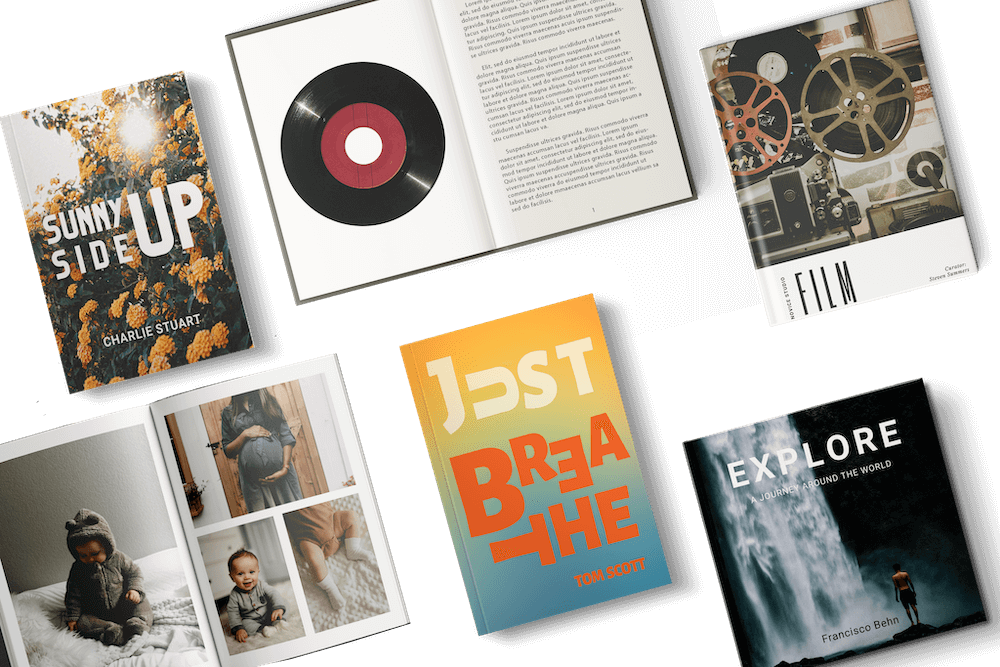
PrintLink helps you sell more books by bundling related titles into a series. Readers can add multiple books to their cart in one order, increasing sales per transaction. The ‘Add to Cart’ button next to ‘Buy Now’ makes it easy for customers to purchase an entire series in one click. To create a series, go to My Account > PrintLink tab > Publications > Series Publications > + New Series.
Carousel Display
The PrintLink carousel feature automatically displays all your print-on-demand publications in one place, making it easy for readers to explore and discover more of your work. By showcasing multiple titles on every live publication page, the carousel increases visibility, encourages engagement, and helps drive more sales - especially for authors with a book series.
Genre Tagging
PrintLink’s genre tagging tool helps readers find your books by categorizing them across multiple genres, making it easier for new and returning readers to discover and buy your work. Grouping books by genre expands your audience and boosts sales. To add tags, go to My Account > PrintLink tab > Publication Details > Publication Genre (3 genres max).
For more information on creating a series, the carousel display and genre tagging, watch our video tutorial on YouTube.
Email Collection Tool
PrintLink’s email collection tool helps you grow your mailing list by securely gathering customer emails at checkout. It lets you connect with readers, promote new releases, and share exclusive content.
To activate the email collection tool: Log in > My Account > Customers (under PrintLink tab) > Agree to the Data Processing Agreement (DPA).
After opting in to the DPA, you can view your list of customer emails in the Customers tab. You can then export emails as a .CSV file or Excel spreadsheet to your email marketing platform.
How it works for customers:
- Add one or more PrintLink publications to the cart and click 'Buy Now'.
- Enter billing details and email address.
- Check the Publisher Consent opt-in box at checkout to subscribe
- Receive a confirmation email after subscribing
Customers have complete control over their email preferences. If they choose not to opt in, their email will remain private. For more information, watch our video tutorial on Mixam’s email collection tool on YouTube.
Additional Note: Barcodes
Some items may include a barcode page for production tracking. It's a scannable image linked to a unique product number, enabling us to track the order through the production process. Scanning it will only display the product code, keeping all other order details private.
Now that you know how to maximize your book's potential with Mixam's marketing tools, you can revisit the PrintLink Introduction.