What is Mixam’s AI Image Enhancer?
Mixam’s AI Image Enhancer is a free tool that improves image quality for professional printing. It uses artificial intelligence to sharpen low-resolution files. Image resolution is measured in points per inch (PPI). Low-resolution files have fewer pixels, which can cause images to appear blurry. The AI Image Enhancer increases pixel density, giving images more defined detail for reliable print results.
The tool works with files you create in your design program, helping you save time, prevent reprints, and ensure accurate results when moving from screen to print. It supports all Mixam products and accepted file formats. To check file requirements, visit our How To Submit Print Files guide.
How To Use The AI Image Enhancer
Step 1: Uploading Files
When you’ve selected a product and chosen your print specifications, upload your files to your order’s Artwork tab. You can:
- Drag and drop files
- Upload directly from your desktop
- Upload from Dropbox or WeTransfer
- Upload via a web URL
Step 2: Low Image Resolution Detection
Our system automatically checks image resolution during upload. If it finds low-resolution content, an alert will appear at the top of the Artwork tab. You’ll then be invited to open the AI Image Enhancer tool.

Step 3: Preview Your Files
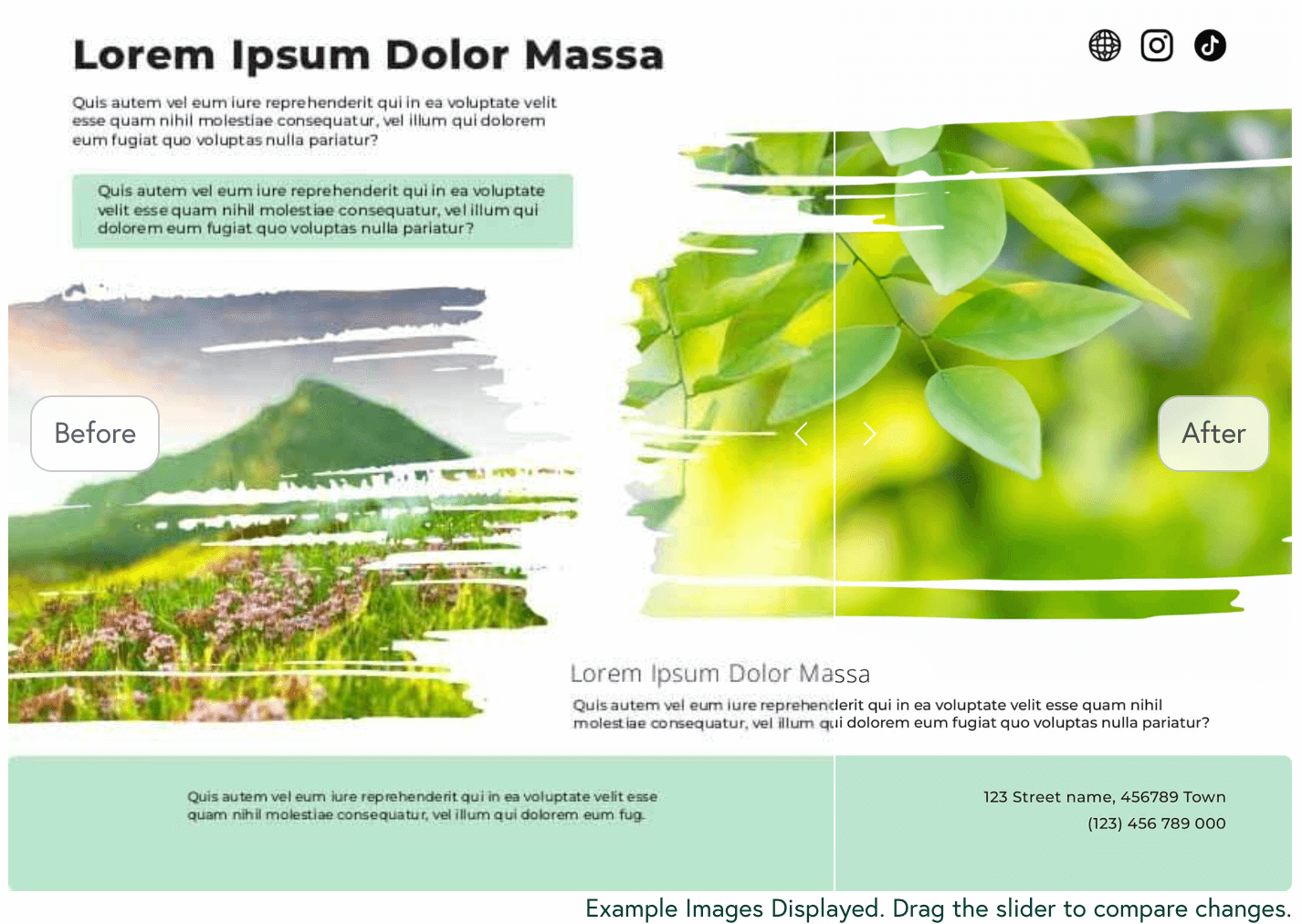
The tool displays a sample low-resolution file with a before-and-after preview. You can move the slider to compare the original and enhanced versions.
Step 4: Applying AI Enhancement
Click Enhance Image to start the enhancement. Processing usually takes a few minutes, depending on the file size, the number of images, and the number of pages.
Step 5: Accepting or Rejecting Changes
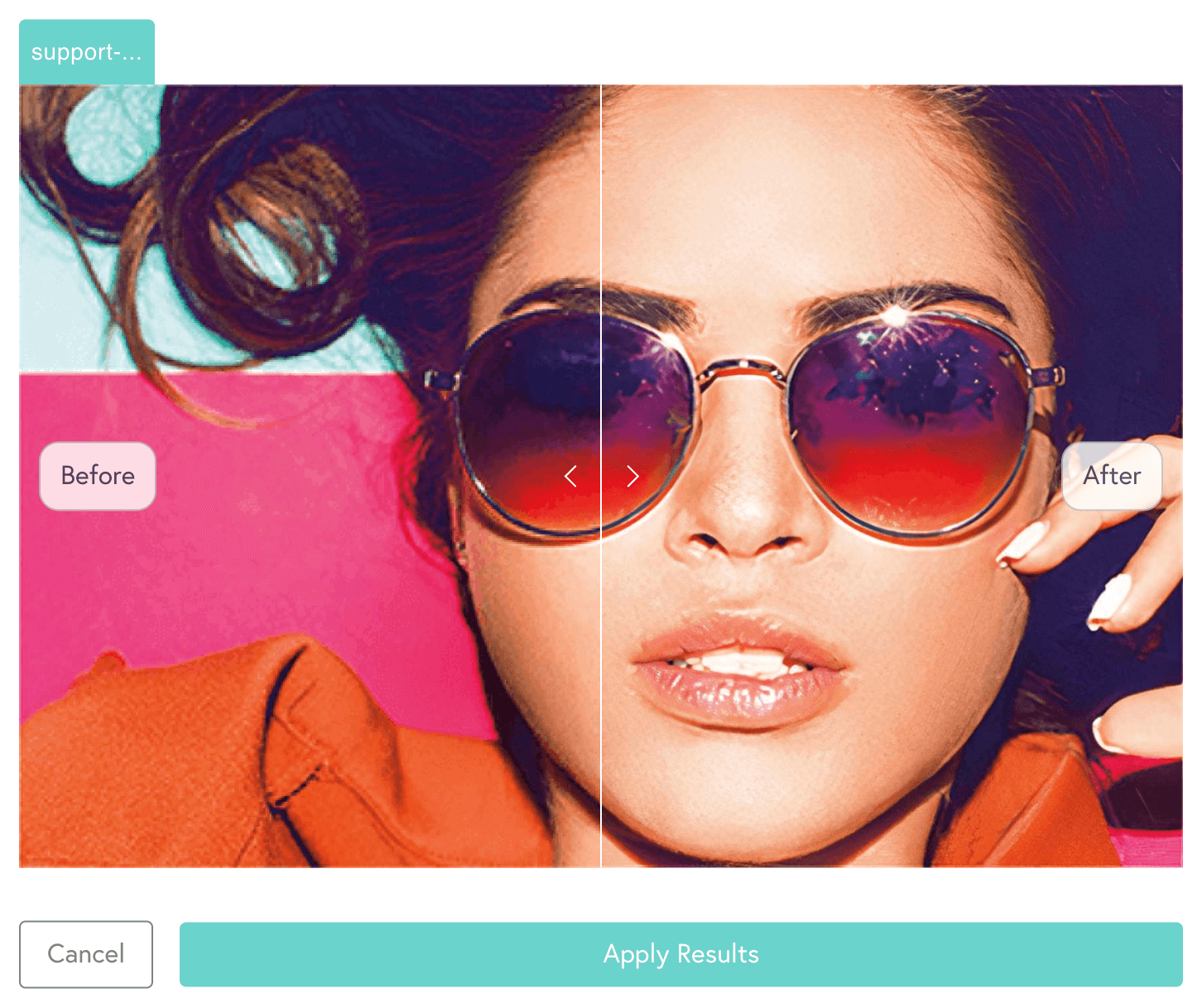
When the enhancement is complete, you can click Apply Results or Cancel. If you apply the enhancement, your files will update automatically. Please review your files carefully before confirming your order. For tips on checking your files, see our Proofing support page.
Further Information
- Colour Accuracy: The AI Image Enhancer cannot guarantee colour accuracy. Colours may sometimes vary after enhancement, but Mixam strives to minimise these differences and meet industry-standard print quality.
- Text in Images vs. Fonts: The tool enhances text only when it appears as part of an image. Very thin text may show slight imperfections after enhancement. It does not adjust embedded text files.