What is Stripe?
Stripe is a widely recognised third-party payment processing service. Mixam’s print-on-demand service and Stripe’s advanced technology work together to transfer commissions to your bank account securely. Stripe account holders can also download the app for iPhone and Android to easily access and monitor payment metrics like total earnings and transactions.
Set up your Stripe account before enabling your PrintLink publications for purchase. Stripe is only required if at least one of your publications is set to sell with a markup. If all publications are priced at production cost, you can still order copies for yourself without linking a bank account.
How To Open a Stripe Account
Log in > My Account > PrintLink tab > Setup > Payout Account tab > Link Bank Account button > Follow the on-screen instructions.
Connecting a bank account to Stripe via a previous order: Log in to your Mixam account > PrintLink tab > Active Publications tab > Select an order number > Scroll to PrintLink tab > Link Bank Account > Complete online form > Agree & Submit.
If you have multiple Mixam accounts and want to sell PrintLink publications in another country, you must connect one bank account corresponding to the country where you want to sell them.
Earning Commissions
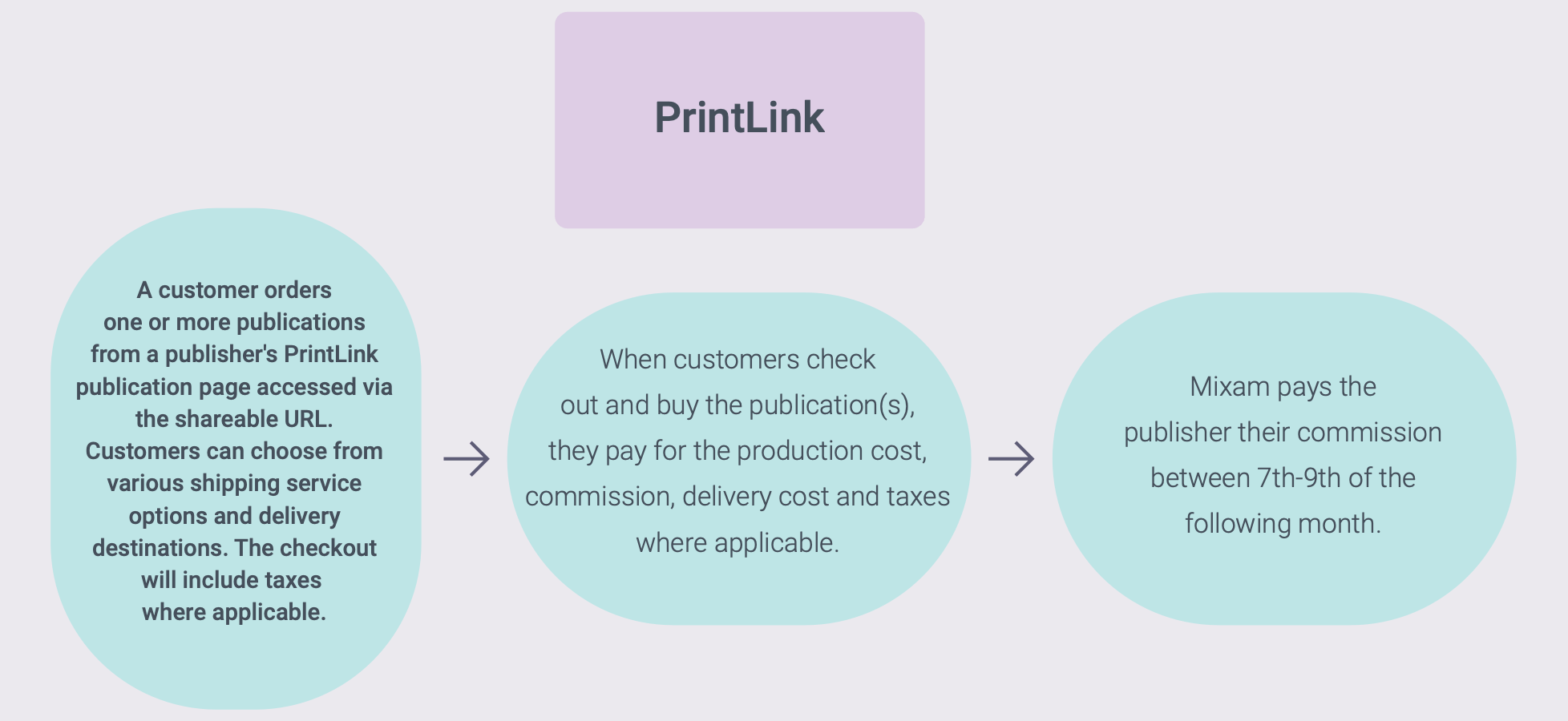
You’ll earn commissions every time a customer orders your publication if you’ve set up your pricing strategy to enable commissions.
When a month ends, Mixam will transfer your total commissions to your nominated bank account via Stripe between 7th-9th the following month. Please allow up to 7 working days for payment to appear on your bank statement after these dates. If these dates do not fall on a working day, we’ll pay you the next earliest working day. You can view processed payments in your Mixam account’s Sales tab and your Stripe account.
If your commissions don’t appear on your bank statement or Mixam account after 7 working days and the 7th-9th period has passed, contact our team for assistance.
How To Update Your Bank Details
Log in > My Account > PrintLink tab > Setup > Payout Account > Payment Dashboard button > Log in to Stripe > 'See details' button > 'Update payout settings' button > Select 'Edit' to update an existing payment method or 'Add bank account'.
Taxes
Tax Forms
It’s your responsibility to declare your income within your tax return, as Mixam declares the payments made to publishers in its company tax filings, summarising what we paid in PrintLink commissions.
Now that you know how to get set up with Stripe, you can explore My Account: The PrintLink tab.